Custom software costs whatever the decisions and unknowns inside your process add up to. It doesn't cost a price per screen or per feature. That's why any number you hear before someone has asked you about your work is a guess. Published ranges from vendor blogs disagree widely, because they describe different kinds of projects. We won't add another figure to that pile. What we can do is show you what moves the price, so you can write a better brief and judge the quotes you get.
This article is about software for running your own business: a tool that replaces a spreadsheet, a shared inbox or a pile of manual handoffs. If you're building a product to sell to customers, the drivers differ, and our piece on what a first SaaS product costs covers that case. Internal tools are shaped mostly by your existing people, tools and data, so those are where the price comes from.
The six things that move the price most
This ordering comes from our own judgment about building and scoping this kind of work.
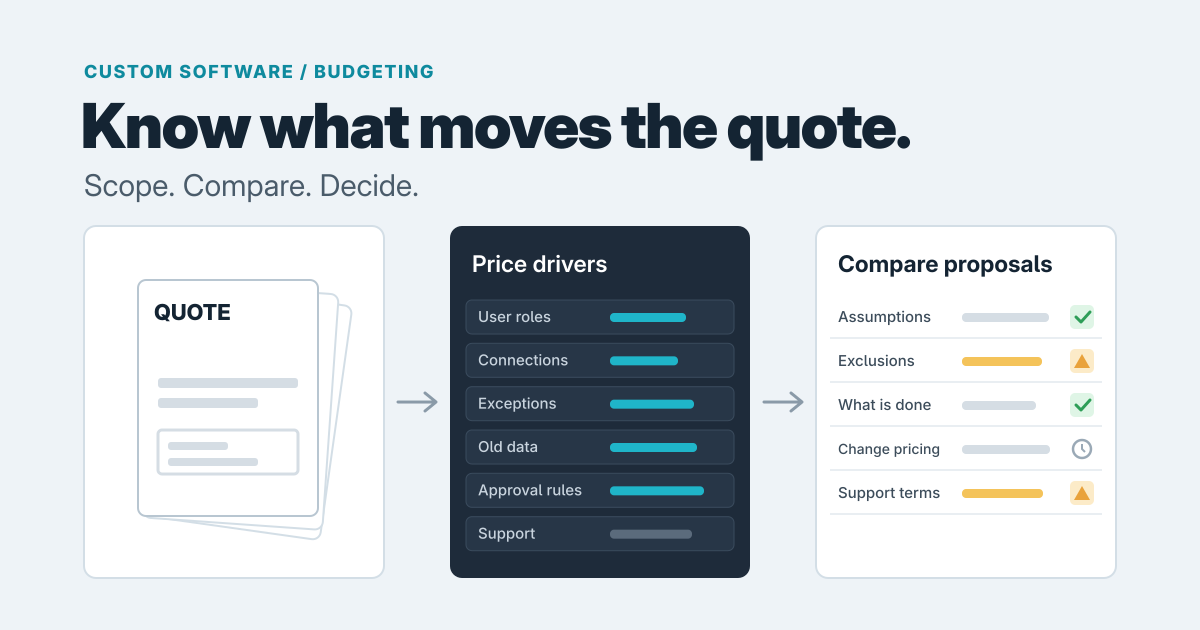
Who uses it. One person entering data is simple. Office staff, field staff, a manager who approves and a client who views are four different experiences, each with its own rules about what they can see and change. Every extra role adds design, building and testing. Our piece on designing permissions early explains why this matters.
What it connects to. Software that stands alone is cheaper than software that has to read from your accounting package, post to your CRM (the system that holds your customer records) and email customers. Each connection between two systems is its own small project, and the other system's quirks are part of your bill. Our guide to connecting a CRM and accounting shows what that work involves.
How many exceptions the work has. The normal path is quick to build. The price lives in the oddities: the customer who gets a special rate, the job that changes halfway, the order that's split across two invoices. Ask your team what "usually" means in their work, and then ask what happens the other times.
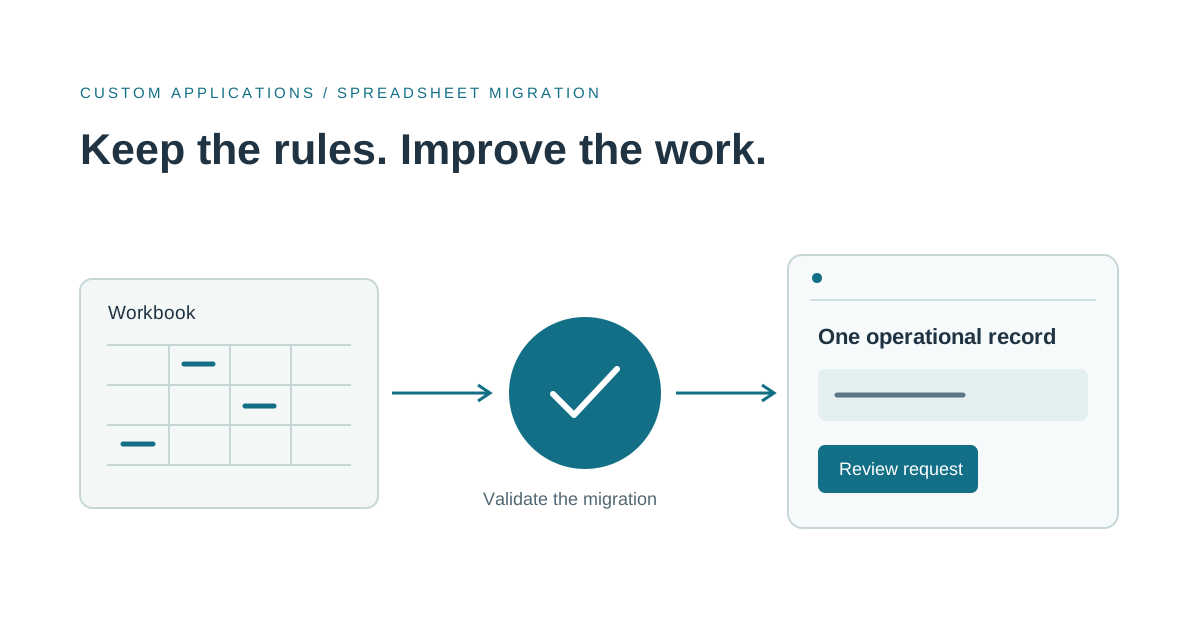
What happens to old data. Moving years of spreadsheet rows into a new system means finding duplicates, inconsistent spellings and missing fields. Someone has to clean that up, and the effort grows with how much history you bring. A McKinsey study of very large IT projects (budgets above $15 million, so not tools like yours) described one budget ballooning partly because the team brought in unneeded data from other systems (McKinsey, 2012). The sensible lesson for you is to bring across only the data you'll actually use.
Who approves what. A rule like "anything over a set amount needs a manager's sign-off, unless it's a repeat order" sounds small. Each rule like it needs building, testing and a record of who decided. Many small rules add up quickly.
Who supports it afterward. A development quote usually covers building, not running the software. Fixes, security updates and small improvements continue for as long as you use it (ETS Labs). Ask what support costs and what it includes before you sign.
What's cheap to leave for version two, and what isn't
Usually cheap to defer: reports and charts, visual polish, extra connections to other tools, and rare exceptions that a person can handle by hand for now. Costly to bolt on later: the user roles and what each can see, how your information is organized (what a customer, a job or an order is, and how they relate), and the approval rules. Those sit underneath everything else, so changing them later means reworking what's already built.
A good first release handles the common path well, gives rare exceptions a clear route to a person, and gets those foundations right. For a spreadsheet replacement, our step-by-step plan for replacing Excel walks through this in more detail.
We saw a version of this when we built Bidwright, our construction estimating and proposal application. We kept the money math as fixed, predictable calculations rather than asking an AI model to produce prices, and a published proposal keeps its approved snapshot, so later revisions and change orders are recorded without rewriting the original agreement. Decisions like those about numbers and approvals are the ones that are expensive to change once the rest is built on them.
Fixed price, pay as you go, or phased
These describe who carries the risk of the unknowns.
Fixed price means one agreed total for a written scope. It moves scope risk to the studio, who prices it in. Anything outside the written scope comes back as a change request, which is a separately priced addition to the job, and fixed price only works if the scope is genuinely settled.
Time and materials means you pay for the hours as the work happens, rather than a set total, so you carry the overrun risk. If you choose it, ask for a budget cap, regular demos and a check-in before the cap is reached. These points come up consistently across vendor guides (GainHQ, LaunchPad Lab), though they're vendors describing their own trade.
A common arrangement is a short paid discovery phase, meaning a few weeks spent mapping the work and writing down what will be built, then fixed price for the parts that are now well defined and pay-as-you-go for the rest. We'd lean that way for most internal tools. Keeping each stage short also gives you earlier checkpoints, which is the useful lesson from McKinsey's large-project research, even though its numbers don't apply to a small tool.
Comparing two proposals
Two quotes with the same feature list can differ wildly. For example, say one studio quotes noticeably less than another for the same order-tracking tool. Looking closer, the cheaper quote assumes two user roles, no clean-up of the old spreadsheet and support only for 30 days, while the other assumes four roles, a clean-up pass and ongoing support. They aren't quoting the same job. Compare on these instead:
- Assumptions. How many user roles, how many connections, how much old data did each studio assume? A cheaper quote often assumes less.
- Exclusions. What's explicitly left out: data clean-up, training, support, the exceptions you mentioned?
- What counts as done. Is it "delivered" or "working with your real data and accepted by your team"?
- What a change costs. Is there a stated rate or process for changes, and does the quote say when one is triggered?
- What happens after launch. Support terms, who owns the finished software and its code, and whether you could leave. See planning a vendor exit.
If you can't see the assumptions, ask for them. A quote without them can't be compared.
When a cheaper first spend is better
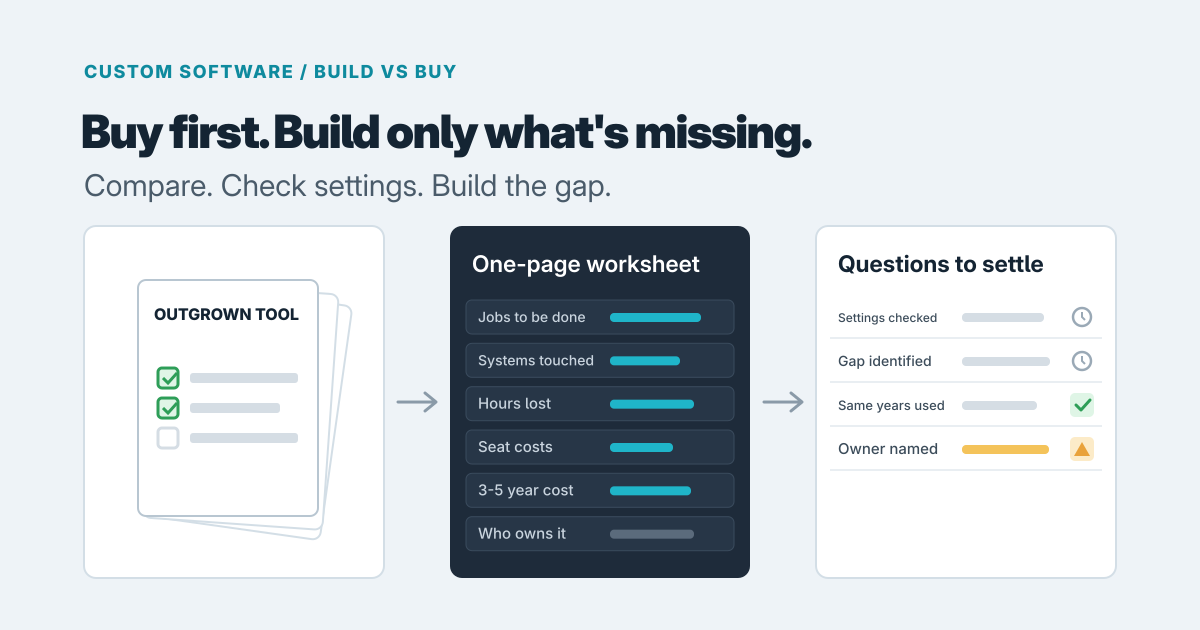
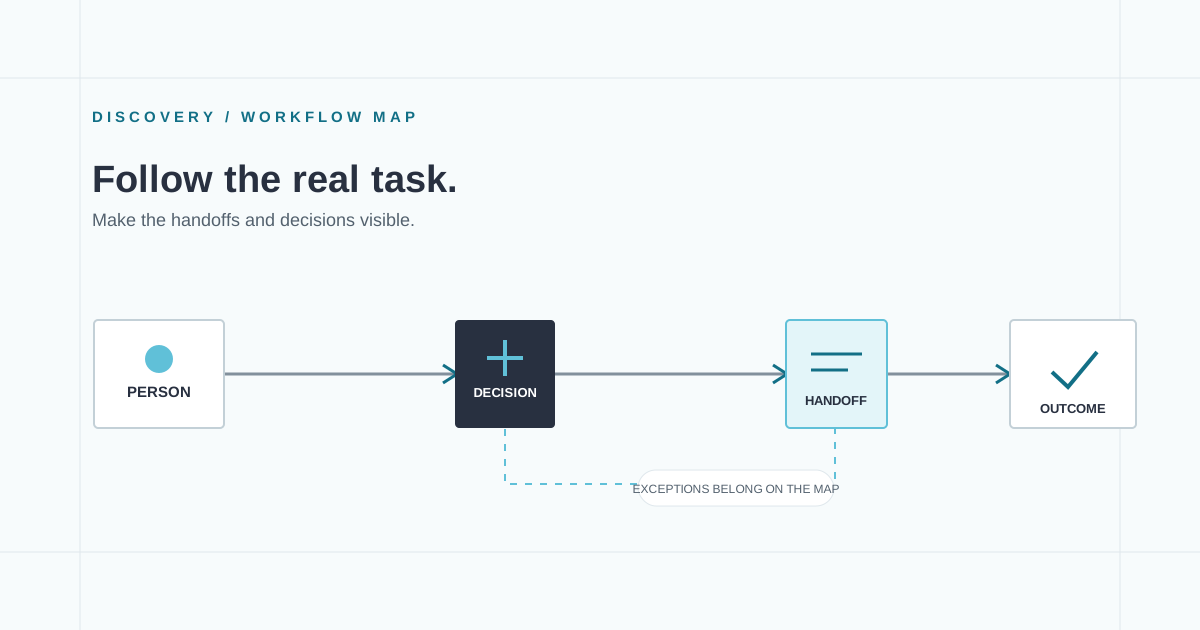
If an existing product covers most of the job, buy it and bend it a little; our custom versus off-the-shelf guide covers that call. If you're unsure which approach fits, a short paid scoping engagement costs far less than building the wrong thing, and the written result makes later quotes easier to compare. Our article on mapping the work first shows what that discovery looks like, and our software consulting is one way to get it done.
What to bring to the first call
- A description of the process as it runs today, including who touches it.
- The tools it has to connect to.
- Three or four real exceptions from the last month.
- A sample of the current spreadsheet or data, and a view on how much history you need.
- Who approves what today.
- A rough sense of who will look after it afterward.
With that, a studio can give you assumptions you can argue with, not just a number. If you're weighing a build, you can read about our custom software service and get in touch to describe your process. There's no commitment in having that first conversation.
Prepared with AI-assisted research and writing, with automated editorial checks before publication.