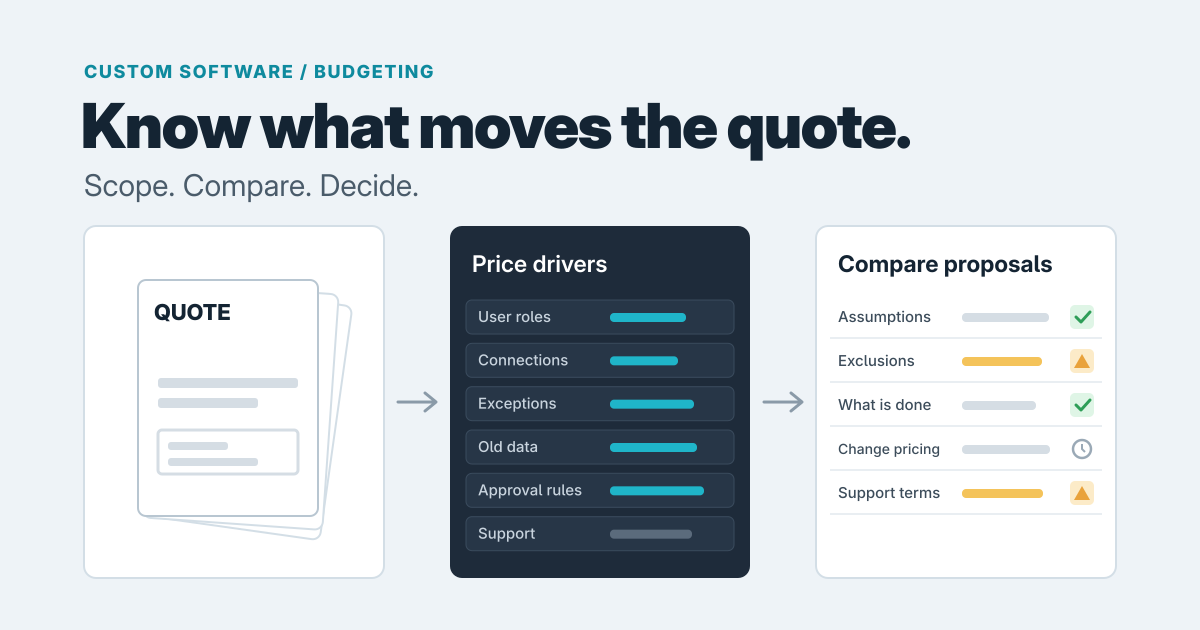
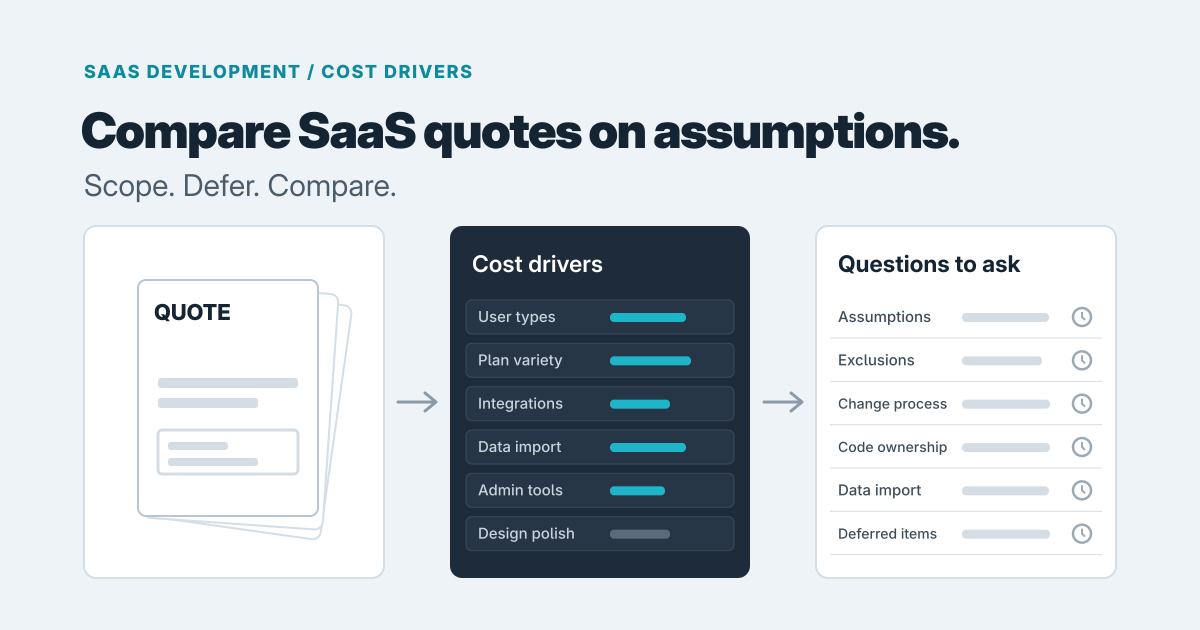
In our judgment, the cost to build a SaaS product follows the number of distinct user types, workflows and third-party connections more than the number of screens. If a quote is organized around screens, ask what it assumes about everything else.
We won't give you a dollar figure or a week count here, because none would be honest without knowing your product. What we can do is show you where the effort tends to hide, so you can compare proposals and cut scope without gutting the product.
The decisions that quietly add weeks
This ordering is our judgment from how this kind of work tends to go, not a measured ranking. We'd expect multiple user types and importing existing data to add the most, because they touch everything else. Integrations come next, then plan variety, then admin tooling and polish.
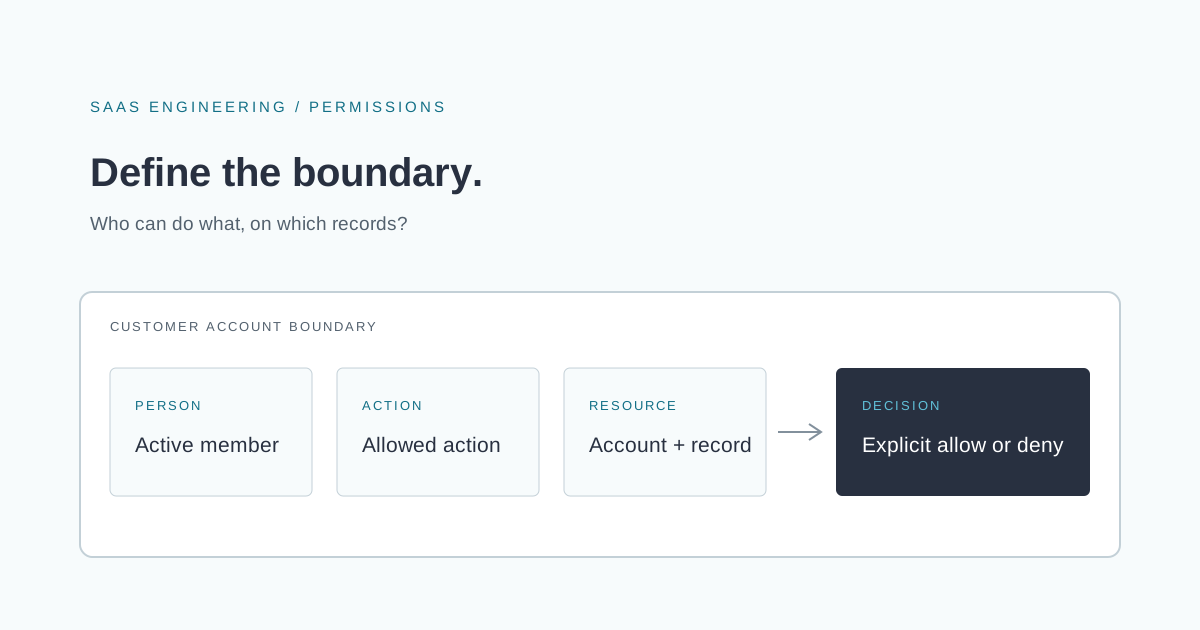
Multiple user types. Every role means more than a label. Each one sees different data, takes different actions and needs different tests, and every existing feature now has to behave correctly for each of them. Our piece on designing SaaS permissions before your first enterprise customer covers the access questions that start here. For a first release, one primary user and one admin is usually plenty.
Importing existing data. Customers rarely start empty. Bringing in spreadsheets or records from an older system means cleaning messy data, deciding what to do with duplicates and handling rows that don't fit. In our experience of how projects like this go, it's easy to leave out of a quote and awkward to discover later. If your starting point is a spreadsheet, our guide to replacing Excel with a web application covers planning a move around records, formulas, exceptions and cutover.
Third-party connections. Each integration is its own small project: authentication, mapping fields, handling failures and keeping it working when the other side changes. The question to ask is whether a customer can get value on day one without it.
Plan and pricing variety. Billing is a real build surface. Stripe's documentation lists flat-rate, per-seat, tiered, usage-based, package and volume models, among others (Stripe pricing models). The docs describe the models; the effort comparison is our recommendation. We'd start with one flat plan, because usage-based or hybrid pricing gives you more to design, test and explain to customers. Once plans differ, you also have to keep access in step with what people paid for, which we cover in why a paying customer can still see a locked feature.
Custom admin tooling. Someone will need to fix an account, reset access or look up what happened. A polished back-office is a product of its own, so ask the studio what the minimum admin actions are for launch and how they would be done safely.
Polish nobody asked for. Animations, custom illustrations and pixel-level variation across every state add up. A clean, consistent interface built from standard components usually serves a first release well.
What's cheap to defer
Some things feel urgent and aren't:
- Advanced reporting. Start with the few numbers a user needs to do the job. You'll learn which reports matter once people use the product.
- Custom billing logic. Launch with simple plans. Credits, overages and negotiated pricing can be handled manually for your first few customers.
- Enterprise controls. Single sign-on, detailed audit trails and fine-grained permissions matter when an enterprise buyer asks for them, not before.
- Extra integrations. Build the one that makes the product work. Keep a list of the rest and let customer requests set the order.
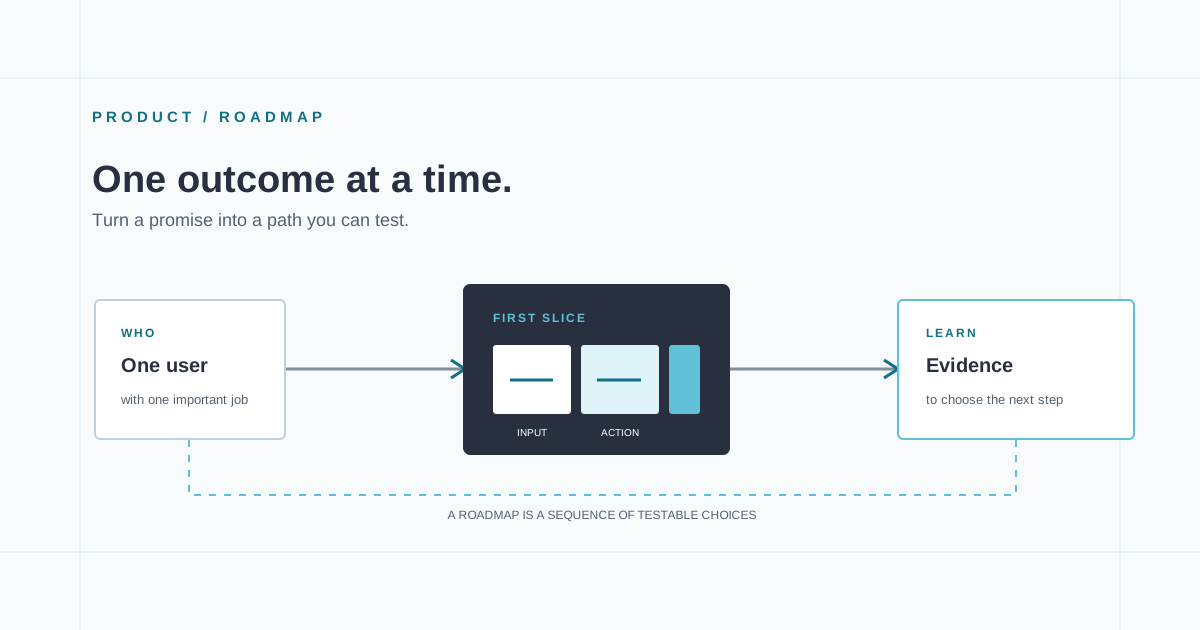
Deferring isn't the same as ignoring. Ask the studio how hard each item will be to add later, so you don't paint yourself into a corner. Our piece on starting a SaaS roadmap from one user outcome is a good way to decide what the first slice has to prove.
An example of how scope changes effort
Say you're building a tool for booking inspections. Version A has one user type, a customer, who fills in one form, picks a slot and gets a confirmation. There's one flat monthly plan, no integrations and no data to import. The work is mostly one workflow built well, so design, build and testing all follow a single path.
Version B adds inspectors who manage their own availability, an office admin who reassigns jobs, two plan tiers, a calendar sync and an import of last year's bookings from a spreadsheet. It doesn't look much bigger on a wireframe, but the effort grows in several places at once:
- Three user types means the booking flow has to be built and tested three times over: what an inspector sees, what an admin can change, and what a customer is blocked from touching.
- Reassigning jobs creates new situations to handle, such as an inspector who is removed after a customer has already been told who is coming.
- Two plan tiers mean someone has to decide, build and test what each tier can and can't do.
- Calendar sync adds an outside system that can fail or change independently, so it needs error handling and ongoing upkeep.
- The booking import needs cleaning, duplicate decisions and a check that the result is right before anyone trusts it.
None of those items is huge alone. Together they turn one path into several that interact, and that interaction is where the extra time goes. Version A can go out, teach you whether people want it, and tell you which parts of B are worth building.
When an existing tool is enough
Before commissioning anything, check whether your idea is really a product or a process you run for a few customers. If a form tool, a scheduling app, a spreadsheet and a payment link can deliver the outcome, use them first. Custom SaaS earns its cost when you need your own accounts, your own data model and a repeatable experience that off-the-shelf tools can't give you, or when workarounds are already eating your time.
How to compare two quotes
Two quotes with a big gap between them rarely describe the same project. Compare the assumptions before the totals.
- What's assumed about users, plans and integrations? If one quote includes a calendar sync and the other doesn't mention it, they aren't comparable.
- What's excluded? Data import, admin tools, testing, deployment and support after launch are the usual omissions.
- How are changes handled? Several vendor write-ups on contract types describe common practice this way: under a fixed price the vendor mostly carries overrun risk, and changes go through a change order with a new price and date. They also note that a fixed price doesn't remove risk, it prices it in, and that a fixed price on a vague scope may be padded or recovered through change requests (one such comparison). These are vendor blogs rather than formal research, so treat them as a description of usual practice. A very low fixed price on a vague scope is worth a question.
- Who owns what? Ask who owns the code, the hosting and billing accounts, and the domain. You should be able to take the product elsewhere. See planning an exit from a software vendor for what to check.
- What does each side have to do? Ask what you're expected to deliver and by when, since the same write-up notes that slow client sign-off can turn a fixed price into a delay dispute.
Treat a quote as a forecast with assumptions, not a guarantee. The lowest total can end up the most expensive if its assumptions are thin.
When paid scoping is worth it
If the quotes you receive disagree wildly, or you can't answer the questions above, we'd consider a short paid scoping step before committing to a build. Several of the contract write-ups describe paid discovery first, then a fixed price for the defined parts, as a common approach. It makes the most sense when several approaches are plausible and a wrong choice is expensive. If you already have a clear single workflow, you may not need it. We've written about when to pay for a software consultant before hiring a studio, which goes through when quotes alone are enough.
A narrow product with one job
Rezzie is a live guided product that turns a trusted resume and a job description into an editable application draft. It's an example of a narrow product with one clear job. The lesson we took from building it was to keep uncertain details visible and the draft editable before export, so review is part of the flow rather than a separate step. Fitting that into one path is simpler than spreading it across several user types, which is the scope point above in practice: a single focused job leaves less to build and test.
A sensible next step
Before requesting quotes, write down your user types, the one workflow that has to work, your pricing plan, the integrations you truly need and any data to import. Hand every studio the same list. If you'd like a second opinion on scope, our SaaS product development team can help you shape a first release, and you can get in touch with what you have so far. If an existing tool already does the job, we'll say so.
Prepared with AI-assisted research and writing, with automated editorial checks before publication.