
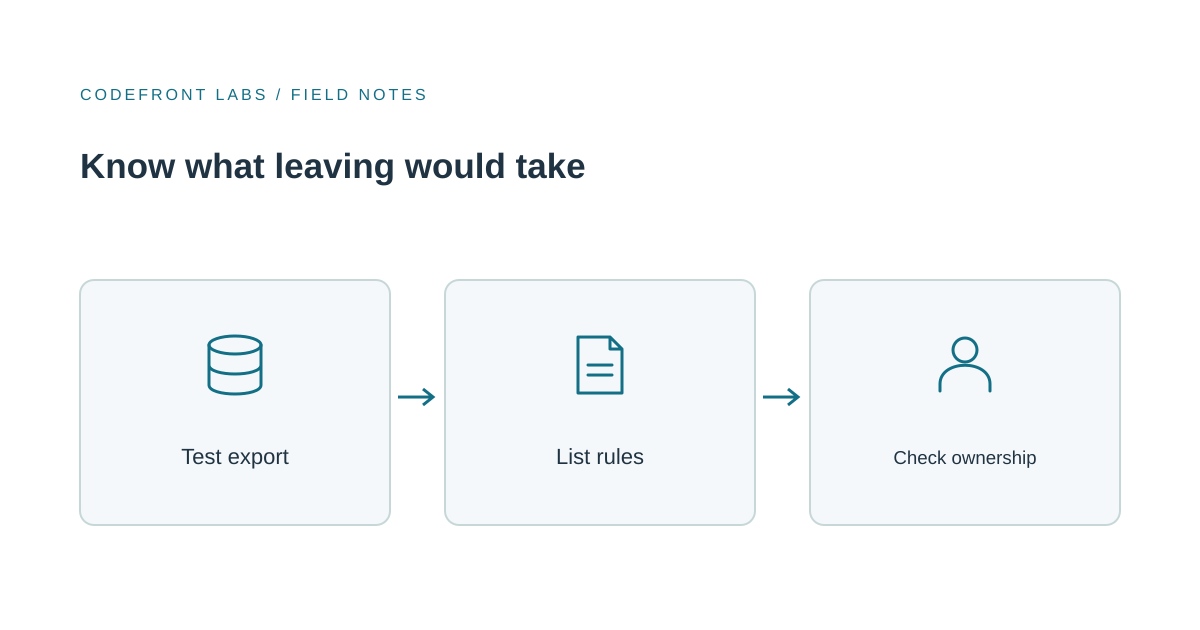
If a system runs a core part of your business, find out what leaving would cost before the renewal notice arrives. Run a small real export, write down the rules that live only in the vendor’s settings, and decide which response makes sense: renegotiate, stay and export regularly, switch products, or build a focused replacement. Planning an exit isn’t distrust. It’s ordinary due diligence for a supplier you depend on.
For most buyers, the practical answer depends on the contract and the product’s export features. Don’t assume you can get a complete, usable copy of your business records just because the product has an “export” button.
When dependence becomes a risk
A price increase, discontinued feature, vendor acquisition, or renewal can make leaving feel urgent. The deeper warning sign is realizing you can’t refuse a renewal because nobody knows what would happen to your records or workflows if you did.
The vendor may be doing nothing wrong. Your negotiating position has simply weakened because leaving isn’t credible. The OECD’s research on cloud computing identifies technical barriers, migration complexity and limited interoperability as obstacles to switching providers. That research concerns cloud infrastructure, not small-business SaaS, so it’s useful context, not a measure of your own vendor. Your exit test will tell you more about your situation.
Inventory what you would need to take
List the system’s records, such as customers, orders, jobs, or invoices. Include attachments, history (status changes, notes, and who did what and when), user accounts, access rules, and configuration.
Then write down the rules that exist only in settings: automations, approval steps, notifications, report definitions, and integrations. Records may be exportable, while these rules often need to be recreated in another product. They’re easy to overlook because someone may have configured them years ago without documenting how they work.
Test a real export, not the feature list
Choose an awkward sample: perhaps twenty records, including a cancelled item, one with a long history, and one with attachments. Export it and check whether the result is complete, readable, and usable elsewhere. Are attachments included, or are they links that stop working when the account closes? Is the history preserved, or flattened into a single current status? Do relationships survive, so you can tell which orders belong to which customer? Can you load the result into a spreadsheet or another tool?
For example, say a 12-person distributor keeps its order history in a SaaS product. The export looks fine until the team discovers that attachments are missing and status history has been reduced to one “current status” column. The feature list may have been accurate. The test reveals what the business would actually lose.
This is a practical recommendation, not an industry standard. A useful pass mark is whether someone can reconstruct the working picture of a customer or job from the export alone. If not, ask the vendor what else is available and record the gap before renewal.
Separate your data from the work the vendor performs
Data is only part of the exit. The vendor may also be performing work through its own software: applying permissions, routing approvals, producing reports, or sending information to accounting and email tools. Those integrations and rules may not come out as reusable files.
That’s where exit effort can hide. Estimate what would need to be rebuilt and who would do it. If a critical connection is involved, our guide to CRM and accounting integration explains the kinds of rules and handoffs a replacement may need to preserve.
Choose the response that fits
Renegotiate when you want to stay but need a more credible exit. Ask for a documented export format that includes attachments and history, a clear delivery timeline, any assistance and its price, and a transition period. Put the answers in writing. These requests can also reveal how the vendor treats portability before you’re under pressure.
Stay and export regularly when the product fits and your sample export is usable. Keep a recurring copy somewhere your business controls, and maintain a short record of the rules and integrations. Regular exports protect the data, though they don’t preserve the service or its logic.
Move to another product when a mainstream alternative handles your process and its rules are straightforward to recreate. Test the sample data against the candidate product, including an import, rather than relying on a polished demonstration with sample records. Consider training and the time spent rebuilding configuration as well as the data transfer.
Build a focused replacement when the current product no longer fits a core workflow and available products can’t reasonably support the distinctive parts. Custom software carries its own maintenance and ownership responsibilities. It usually isn’t justified for a standard process that an existing product handles well. A replacement can also be limited to the part that matters most; modernizing a workflow gradually can avoid an all-at-once change.
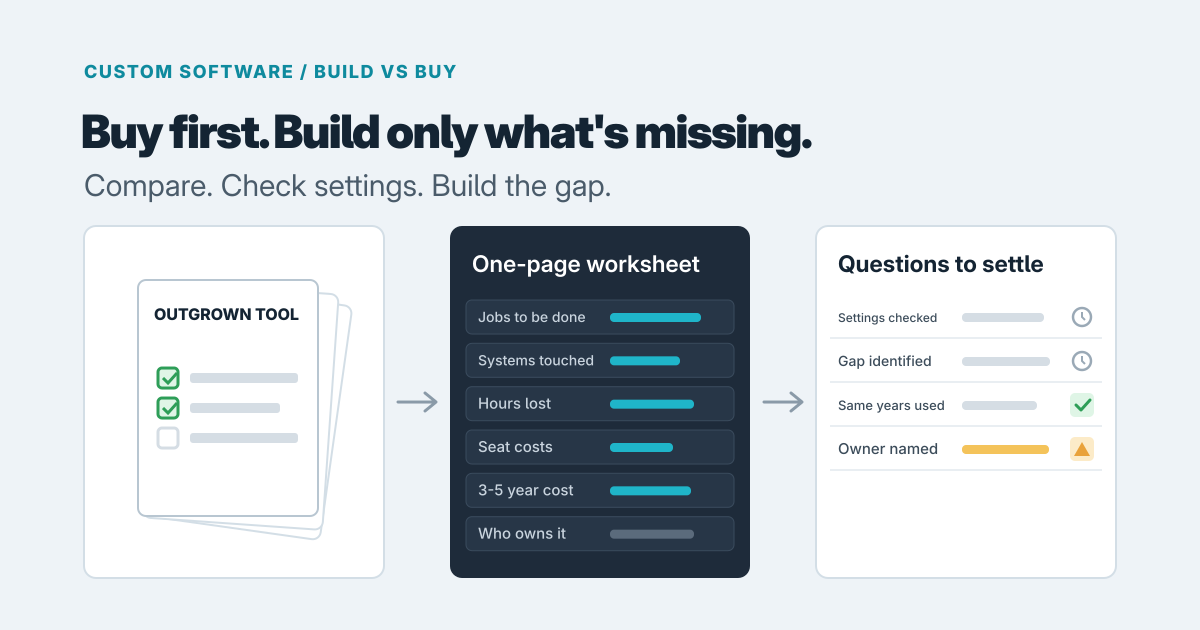
A practical order is to stay and export if the product fits and the test succeeds. If the export is poor, raise it with the vendor before deciding to leave. If the product no longer fits, compare other products first and build only when the important gap remains.
Ask the same questions about an agency-built system
With a system built by an agency or freelancer, don’t assume the working application means your organization controls the pieces needed to operate or transfer it. Ask who holds the code repository, hosting and domain accounts, credentials, third-party licenses, and documentation. Confirm that your organization can access the accounts and that another developer could understand the system well enough to take over.
The same applies to a custom portal hosted in an agency’s account. If the relationship ends unexpectedly, the business may have data but no access to the place where the system runs. Account ownership and access are easier to clarify before a dispute or renewal. Put expectations in the contract, and have a lawyer review terms where needed.
Some lock-in is a fair trade
Not every dependency is a problem. If the software works well and saves your team meaningful effort, accepting some switching cost may be sensible. The point is to know what that cost includes: missing records, recreated rules, retraining, or reliance on accounts held by someone else. Revisit the plan at each renewal as your data and workflows change.
A useful next move is to run the sample export, list the rules and integrations that may need rebuilding, and check who controls the accounts behind any agency-built system. If the answers point to a genuine gap, Codefront Labs can help assess the options through software consulting, including whether a focused custom replacement is justified. Tell us what the system supports and what you’ve found. Staying put with a better export plan may be the right outcome.
Prepared with AI-assisted research and writing, with automated editorial checks before publication.