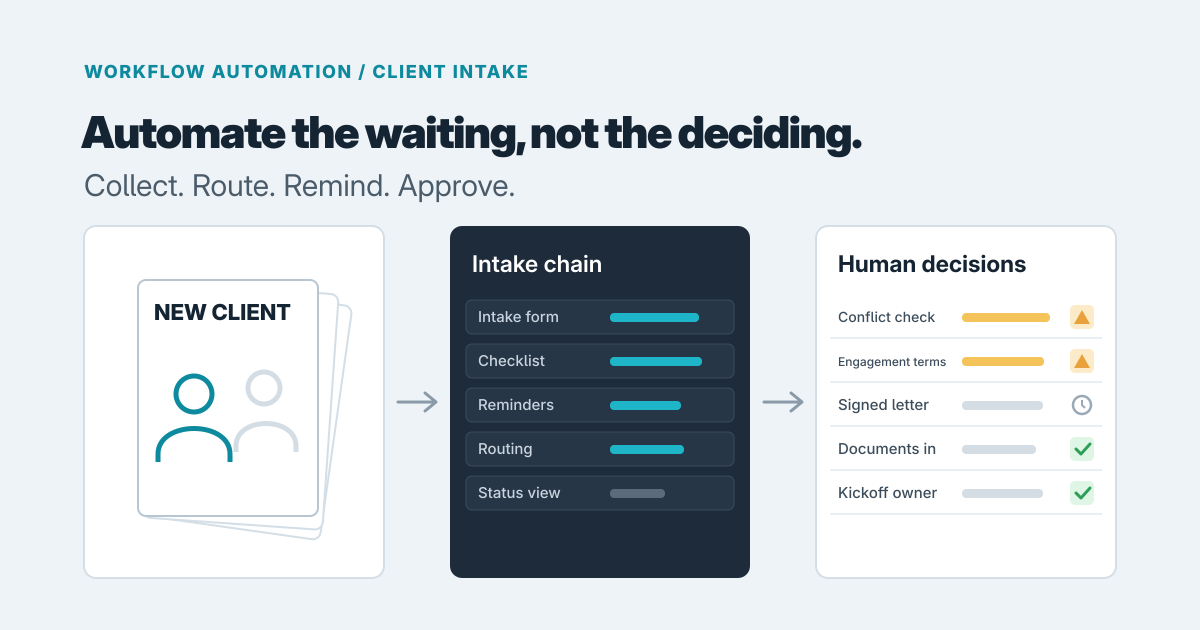
Automate the waiting, not the deciding. Reminders, routing, status and per-engagement checklists are good candidates. Conflict checks, engagement terms and sign-off should stay explicit decisions by a named person. Most intake pain comes from the first group being done by hand while the second group is quietly rushed.
The form usually isn't the problem. A client fills it in, and then the file sits: sales thinks admin has it, admin is waiting on a signature, and the person who will deliver the work hasn't heard the engagement is live. The chase emails are a symptom of nobody owning the gap between steps.
Sort the chain into three kinds of step
Take your real intake, from first inquiry to the first piece of delivered work, and label each step as one of three things:
- Gathering: contact details, entity information, a scope questionnaire, ID or supporting documents.
- Judgment: a conflict check, deciding whether to accept the work, setting fees and terms, approving the engagement letter.
- Waiting: the client hasn't returned the form, the agreement is unsigned, the kickoff call isn't booked.
Gathering is where forms help. Waiting is where automation pays off most, because it's pure follow-up that nobody enjoys. Judgment is where you want a person, a clear record of who decided and when, and no clever shortcut.
What existing tools already handle
Before building anything, see how far a configured tool gets you.
A form builder is often enough for gathering. Check which follow-up and notification features your chosen product offers before you plan around them.
Law firms have a ready option in Clio. According to Clio's help center, Clio Grow lets a firm customize workflow templates and choose which intake steps are automated and which stay manual. A submitted intake form can change a matter's status, and a status change can trigger an appointment booking link. Clio also says relevant client information can carry into the rest of Clio when a prospective client retains the firm. Clio's newer Grow AI, according to LawNext's report, follows up by SMS and email on outstanding intake forms, unsigned agreements and unscheduled consultations, using firm-approved messaging. It's aimed more at capturing and converting leads than at the weeks after signature.
For agreements, DocuSign's Workflow Builder (formerly Maestro) is described by DocuSign as a no-code way to build agreement workflows, with web forms that populate agreements, identity verification and connections to other apps.
Our judgment is that tools like these work best inside their own edge: Clio around the matter, DocuSign around the signature. They get harder to stretch when the chain crosses them, for example when a signed engagement letter must trigger a document checklist, a conflict-check task for a partner, a billing setup and a kickoff for a team that lives in a different system. Consultancies and agencies don't get Clio's legal features at all, so they tend to stitch together a CRM, a form tool and e-signature by hand.
What we would automate
In most intake chains, we would start with four things:
- Reminders to the client for missing forms and unsigned documents, with a limit and an escalation to a person after a few attempts.
- Routing, so the right person is assigned automatically by engagement type, office or partner.
- Status visibility, so anyone can see which new clients are waiting on what, without asking.
- A checklist per engagement type, because a one-off advisory job and a long-term retainer need different documents.
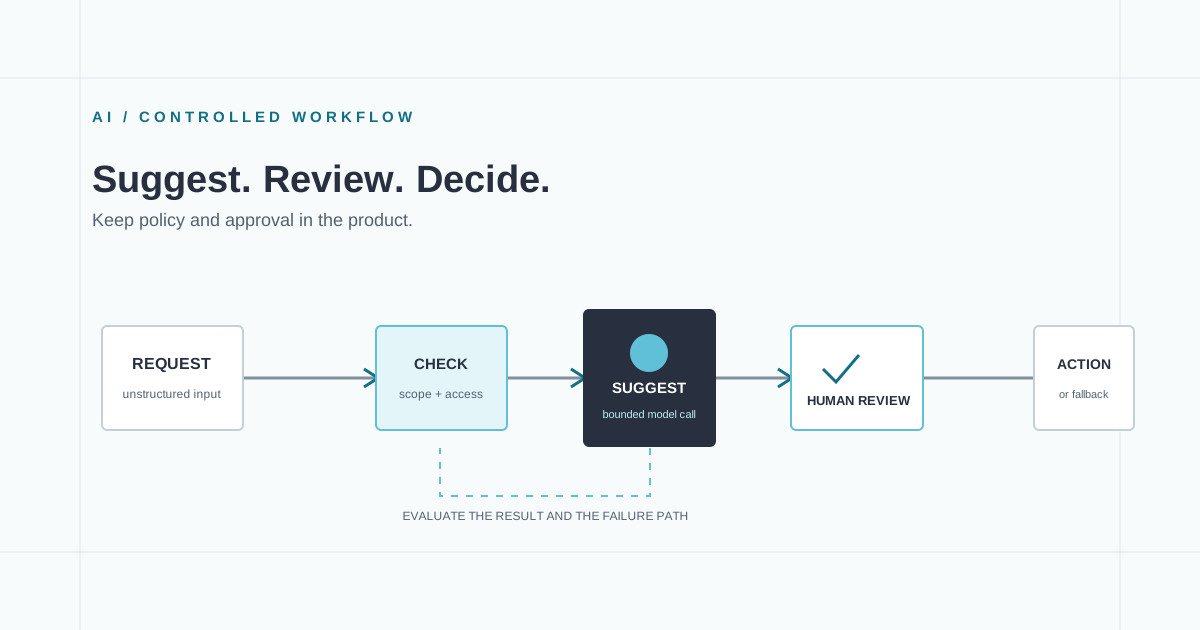
And we would keep these as explicit, recorded human actions: the conflict check, the decision to accept the client, the engagement terms, and the sign-off that the client is ready to start. Automation can prepare the ground, for example by assembling the information a partner needs to run the check, but the approval should be a button that a named person presses, not a side effect of a form being submitted.
For example, say a consultancy onboards clients through a scope questionnaire, a signed statement of work and a security form. Today an admin emails each client twice, then tells the project lead by chat once everything arrives. With light automation, the questionnaire submission creates an intake record, reminders go out on a schedule, the record shows three outstanding items, and the project lead is notified only when a partner has approved the engagement. The partner's approval is the one step nobody can skip.
Exceptions decide whether it works
The happy path is easy. Intake lives or dies on the exceptions:
- Incomplete submissions. Decide whether a half-finished form blocks progress or creates a visible "missing items" list.
- Clients who reply by email. They will. Someone needs a way to attach that reply to the intake record, or the system will show a missing item that actually arrived.
- Stuck cases. Every intake needs one visible owner, and anything idle past a set number of days should surface to that owner rather than fail silently.
If your tool can't show who owns a stalled case, you've automated the reminders and kept the real problem.
Where an AI step could help
One reasonable use is reading a returned document and flagging what looks missing: an unsigned page, an absent attachment, a blank field in a scanned form. The output should be a suggestion to staff, not a decision. We'd keep a person in the loop because models can miss things or misread a scan, and in our view an incomplete file that gets waved through costs more than a slow one. That's how we built InvoiceIQ, our invoice approval software: the AI proposes what it read from each invoice, and a person checks it against the original before anything is approved. Our piece on where AI fits in an internal workflow goes through how to set that boundary, and AI document processing for small businesses covers scoping the review queue.
Configure, lightly automate, or build
There are three realistic options:
- Configure a tool. Use Clio, a form builder or DocuSign's own workflows as they come. This fits a short chain that stays inside one product.
- Light automation. Keep your existing tools and add a thin layer between them: a shared intake record, scheduled reminders, routing rules and a status view. This fits when you have a handful of engagement types and two or three systems, and the process is settled.
- Custom workflow software. Build when intake varies a lot by engagement type, crosses several systems, or needs recorded approvals and client-facing status.
A few questions usually settle it:
- How many engagement types have different requirements? One or two: configure a tool. Many, with different documents and approvers: you'll outgrow templates.
- How many systems must stay in sync? If intake data has to land in a CRM, billing and a document store without retyping, an integration layer matters.
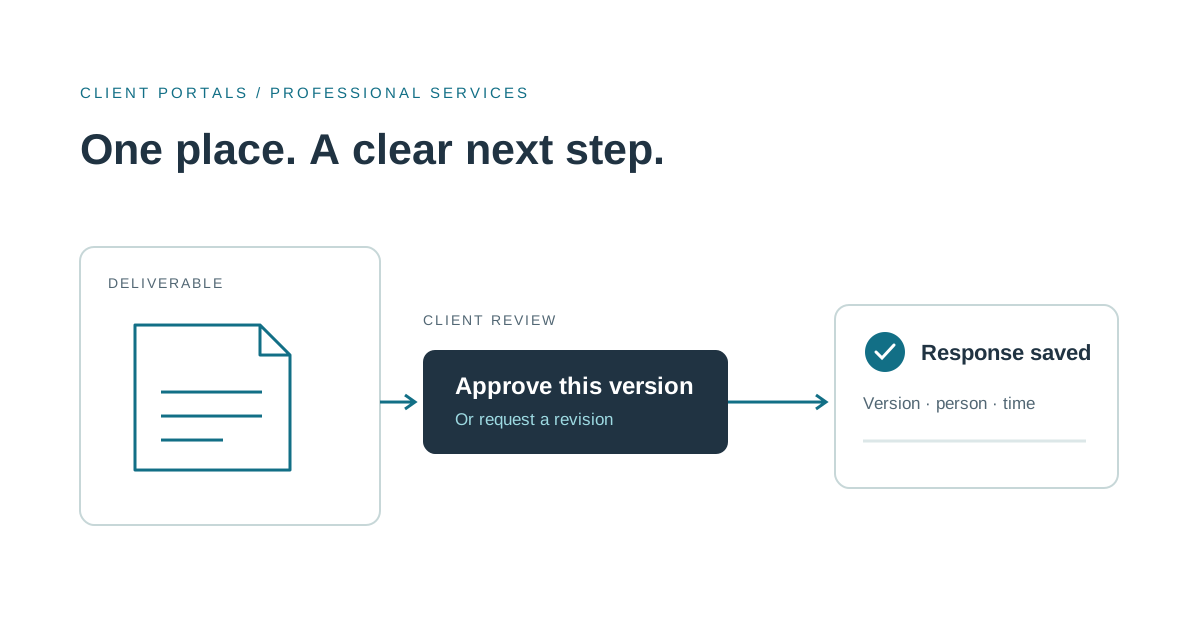
- Who needs to see status? If only staff do, a tool's dashboard may do. If clients need to see their own outstanding items, a portal starts to make sense. See what to build first in a client portal for professional services.
- Is the process stable? Automating a process you're still redesigning only hardens the confusion. Mapping the work first usually saves more than it costs.
A sensible next step
Write down your chain, mark each step as gathering, judgment or waiting, and note where a file last stalled and who should have owned it. That page is the best brief you can bring us. If you'd like help deciding between configuration and a build, our workflow automation service covers exactly this, and you can get in touch to talk through your intake.
Prepared with AI-assisted research and writing, with automated editorial checks before publication.