
If you're weighing a phone experience for customers or staff, here's the honest answer: many first versions are better as a mobile-friendly website. A smaller number clearly need an app. The difference usually isn't how polished you want it to feel. It's what the phone has to do that a browser can't do reliably.
That matters because the paths carry very different overhead. A website goes live when you publish it. An app means store listings, review, updates users have to install, and usually more backend work. Choose an app too early and you pay for that overhead before you know anyone wants the feature.
Start with what the phone must do
Forget "we need an app" for a minute and ask which device capabilities the job depends on.
Camera and file capture. A customer snapping a photo of a damaged item or a document works in a mobile browser. Reported browser support on iPhone includes camera and microphone access, location while the page is open, the share sheet and passkey sign-in (MobiLoud on web apps on iPhone). Camera alone is rarely a reason to build an app.
Payments. The same MobiLoud article reports that Safari supports the Payment Request API (MobiLoud on web apps on iPhone), so taking a payment in a mobile browser is possible. Whether it's enough for you depends on your payment provider and what you sell, so confirm that with them early rather than assuming either way.
Notifications. This one is more nuanced. The same article reports that web push has worked on iPhone since iOS 16.4, but only after the person adds the site to their Home Screen and then allows notifications. Safari doesn't show an install prompt, so people have to find Share, then Add to Home Screen (MobiLoud on web apps on iPhone). If your business depends on most customers receiving timely alerts, that extra step is a real hurdle.
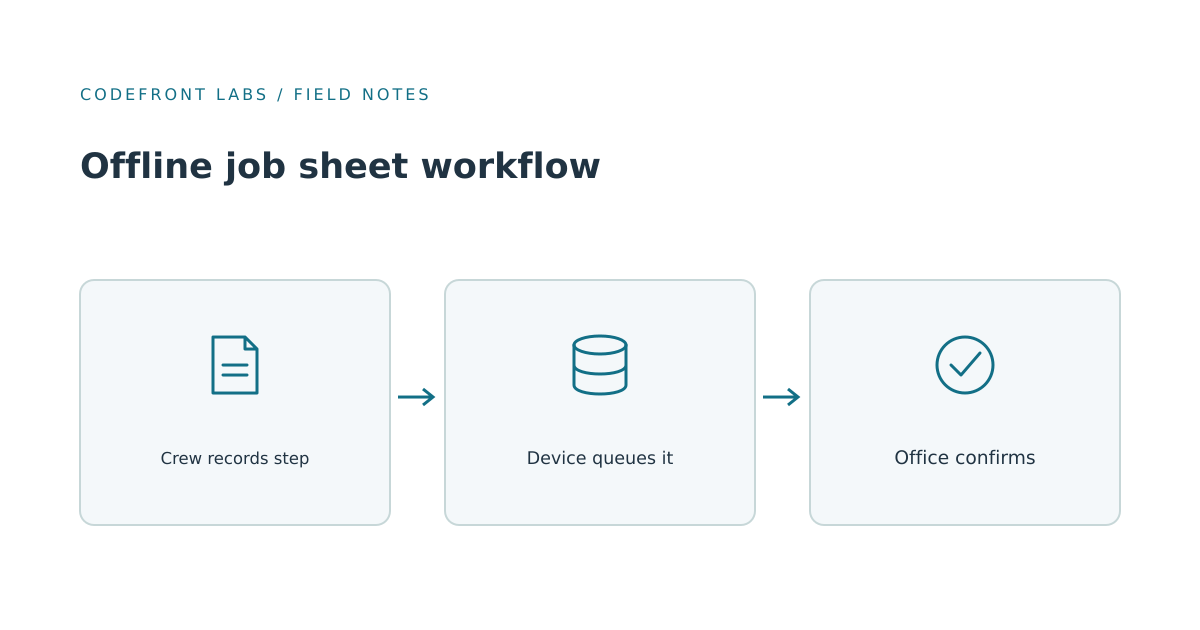
Offline and background work. This is the strongest case for an app. A web app can store data offline, but Background Sync, which lets a browser finish an upload after the person closes the page, isn't supported in Safari. On iPhone the fallback is retrying when the app is next opened (TestMu AI, Mittl Medien). And since every browser on iOS uses Apple's WebKit engine, switching to Chrome on iPhone doesn't change that (PWA FAQ). For staff in basements or rural sites who must never lose a submission, that's a genuine reason to build an app. We cover that situation in offline job sheets for field crews.
Hardware and device-level features. MobiLoud reports that Bluetooth, NFC, widgets and Live Activities aren't available to an installable web app on iPhone (MobiLoud on web apps on iPhone). If your product needs them, you need an app.
How often people come back. This is judgment, not a rule, but it's useful. Someone who uses your product daily will tolerate an install and will value an icon, alerts and a faster start. Someone who books once or twice a year won't download anything. A website meets them where they already are.
A worked example
Take a home-cleaning service as an example. Customers book a visit, upload photos of a stained carpet or a tricky room, get a confirmation and pay a deposit. Cleaners see a daily schedule and mark jobs complete.
Compare the paths against those tasks:
- Mobile-friendly website: Handles booking, photo upload, payment and confirmation emails or texts. Customers need nothing installed. For the customer side, this covers nearly everything.
- Cross-platform app: One shared codebase aimed at iPhone and Android, with store presence and push alerts. Worth considering for the cleaners if they use it all day. It still means store review, device testing and release management.
- Native app: Separate iOS and Android builds. Justified only if you need the deepest device access or performance, which this business doesn't.
Our recommendation for this business: a mobile website for customers, and a simple staff view in the same web product first. The staff side is where an app could eventually earn its place. If cleaners work in buildings with no signal and a job note or photo typed on the spot gets lost because the page can't finish saving once they've moved on, that's the offline and background problem described above, and it's the point to build a dedicated staff app. A customer uploading photos on their own Wi-Fi isn't that problem.
What drives cost and timeline
We won't quote figures here, because they depend on scope. But the drivers are predictable:
- Two platforms. iPhone and Android each need testing across devices and OS versions.
- Store review. Web changes ship the moment you publish, with no store review and no user update (MobiLoud on progressive web apps). App changes go through review and depend on users updating.
- Backend work. Accounts, data sync, notifications and APIs are needed on every path, and they're often a large share of the effort. An app is only the front door.
- Ongoing maintenance. Operating system updates, store policy changes and device quirks keep arriving after launch.
- Support. Every platform adds a place where something can break, and a customer to explain it to.
There's also a review risk. Apple's guidelines say an app "should include features, content, and UI that elevate it beyond a repackaged website" (Apple App Review Guidelines, 4.2). Apple doesn't publish a threshold for how much is enough, so a thin wrapper around your site is a poor first app and an uncertain one.
The middle paths
Installable web apps (PWAs) give a Home Screen icon and, with the caveats above, notifications. They update when you publish and avoid store review and separate platform builds. They fall short on iPhone for background work, Bluetooth and NFC, and they have no App Store listing, which matters if customers look for you there. Sources disagree on iPhone storage limits, so we wouldn't plan around a fixed cap; test with your real data.
Cross-platform builds let one team target iPhone and Android from a shared codebase, which is why they're a common choice for a first app. Our view is that they still carry store review, release management and device testing, and that unusual device needs are worth checking with your developer before you commit. We'd treat them as the sensible app choice once you've shown you need an app and don't need the deepest hardware access.
How to decide
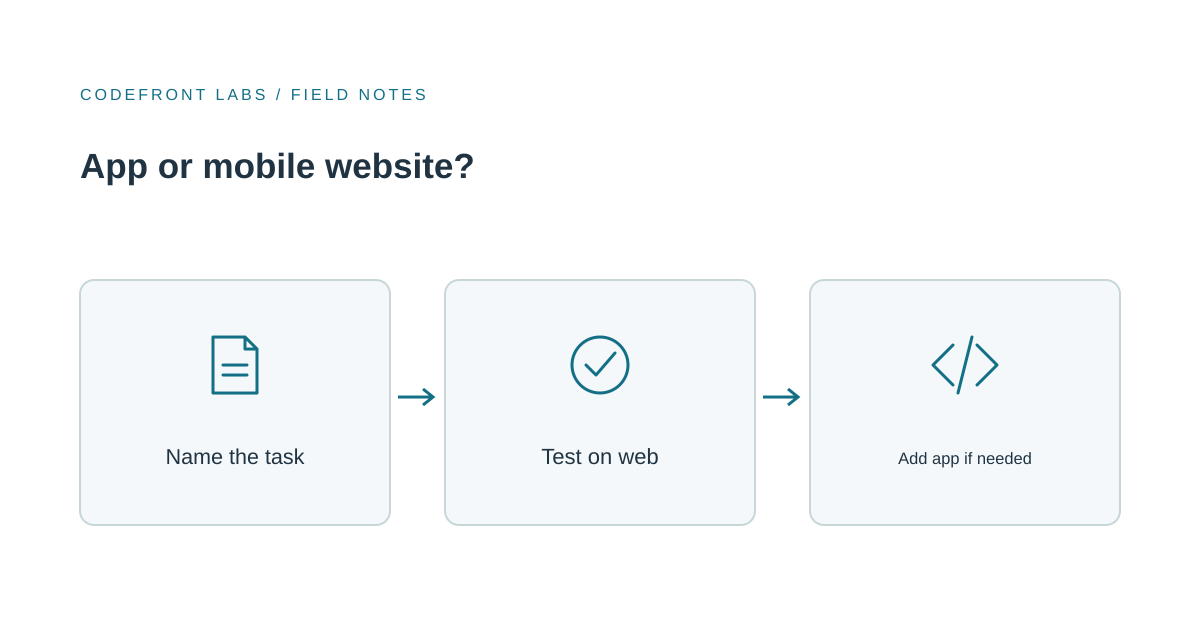
Name the one task people will do on their phones. Write it as a sentence: "A customer uploads photos of the damage and books a visit," or "A technician records a completed job in a plant room with no signal."
Then test whether a website can do it, ideally with a rough prototype in a real phone browser. If it can, start there. You'll learn what people actually use, and you'll still have the backend work for any later app.
Move to an app if the task needs reliable offline or background completion, hardware features, or daily use where alerts and an icon change behavior. If your needs are really about the site being slow or confusing on a phone, fix that first; our piece on a website that gets visitors but few inquiries covers it.
Before you ask for quotes
Quotes for "an app" will vary wildly because the scope is vague. Bring the one core journey, who does it, where, and what happens if the connection drops. That makes quotes comparable and often shows that a smaller first step is enough.
If you'd like help shaping that journey, our mobile app development work starts there, and we're glad to say when a website is the better answer. You can get in touch to talk through the task before committing to a build.
Prepared with AI-assisted research and writing, with automated editorial checks before publication.