Field crews lose signal in basements, mechanical rooms and on rural routes. When the app can't cope, the job sheet stays a draft on the phone, the photo of the serial plate waits to upload, and the parts used end up on a scrap of paper in the van. Hours later, dispatch still can't tell whether the job is closed or the customer needs a return visit without calling a technician who's already on the next route.
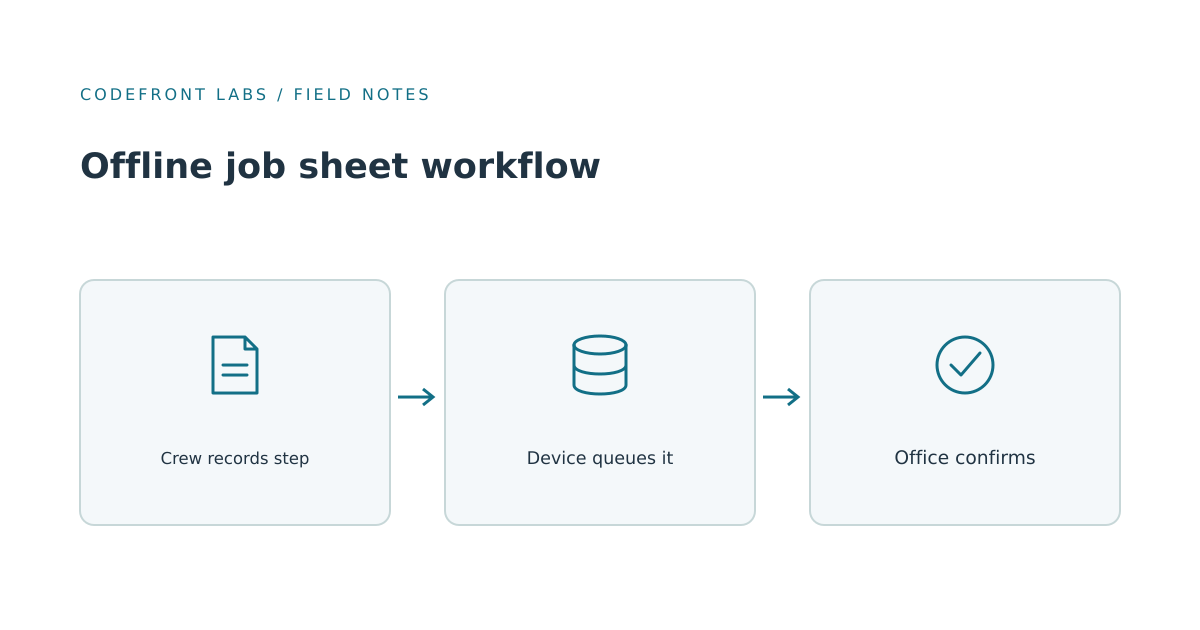
The signal isn't really the problem. The app was designed as if a connection were guaranteed, and your crews don't work in that world. Our view is simple: a field app should treat the phone as the place where work gets recorded first, and the office system as something that catches up. That's a design decision, not a setting you switch on. Android's offline-first guidance makes the same point in technical terms: local data stays available, and the app has to handle writes and synchronization once the network returns. Offline capability requires deliberate design.
Start with the phone calls
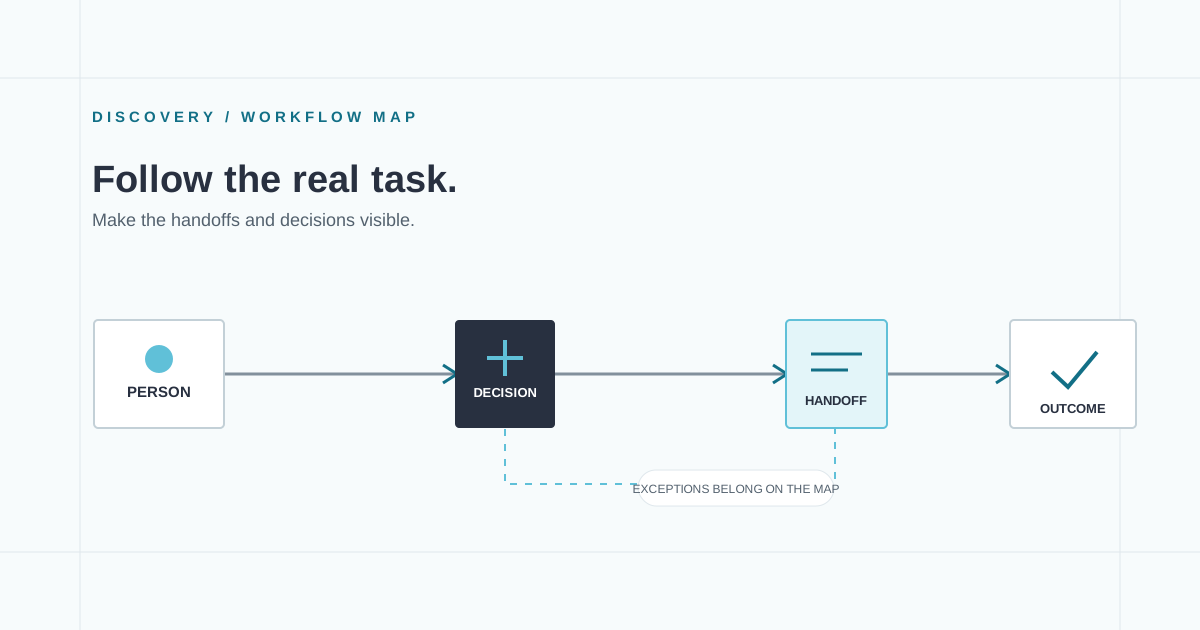
Before comparing products, pick three or four recent jobs and mark every moment the office learned a status from a phone call rather than the system. Those moments are your real requirements. Maybe a paper sheet never got typed in. Maybe a checklist looks finished on the phone and blank in the office. Each gap is small, but together they make the business run on memory.
This exercise also tells you which kind of failure you have. Some apps refuse to save without a connection. Others save locally but never retry. The fixes are different, and a vendor demo won't reveal which one you're living with.
Keep the offline set small
It's tempting to put everything on every phone. Resist that. A technician needs the assigned job, the site and access notes, the checklist for that job type, the parts they're carrying, and any photos or notes already captured. Full customer history, invoices and other crews' schedules can wait for a connection.
Every extra record adds sync time and the chance of showing something stale. Keeping the offline set narrow limits the data you have to store and test. Separately, show when it was last updated so yesterday's schedule doesn't look current.
Decide who wins when dispatch changes things
The hard part of offline work is rarely storage. It's disagreement. Say dispatch moves a job from Tuesday to Thursday while the technician has already started it in that basement. Which version is right?
The simplest rule, newest change wins, quietly picks a victim. It might overwrite a completed step with an older schedule edit, or the reverse. We'd recommend splitting ownership by type of information. Dispatch owns scheduling: date, time window, assigned crew. The technician owns what physically happened: steps completed, photos taken, parts used. When the two truly collide, such as a reschedule on a job already in progress, a person should see both versions and decide.
Two related protections matter just as much. A completed step should be recorded as an event with a time and a name, not by overwriting the whole job, so the history stays readable. And every submission needs a stable identity, so a phone that sends a step, loses the reply, and sends it again doesn't create two completions or deduct parts twice. Ask any builder or vendor how they handle both.
Old queued work deserves suspicion too. A phone that reconnects after two weeks may try to apply changes to a job that's been cancelled. Those should be flagged for review, not applied automatically.
Buy configurable software or build your own
Many teams reasonably start by asking whether an existing field service product already does this. Often it does, and then buying is the right call. Ask for a demonstration that mirrors your worst day: a technician completes a job in airplane mode, reconnects, and a dispatcher changes the schedule in between. If the vendor can't show how that conflict resolves, treat that as an answer.
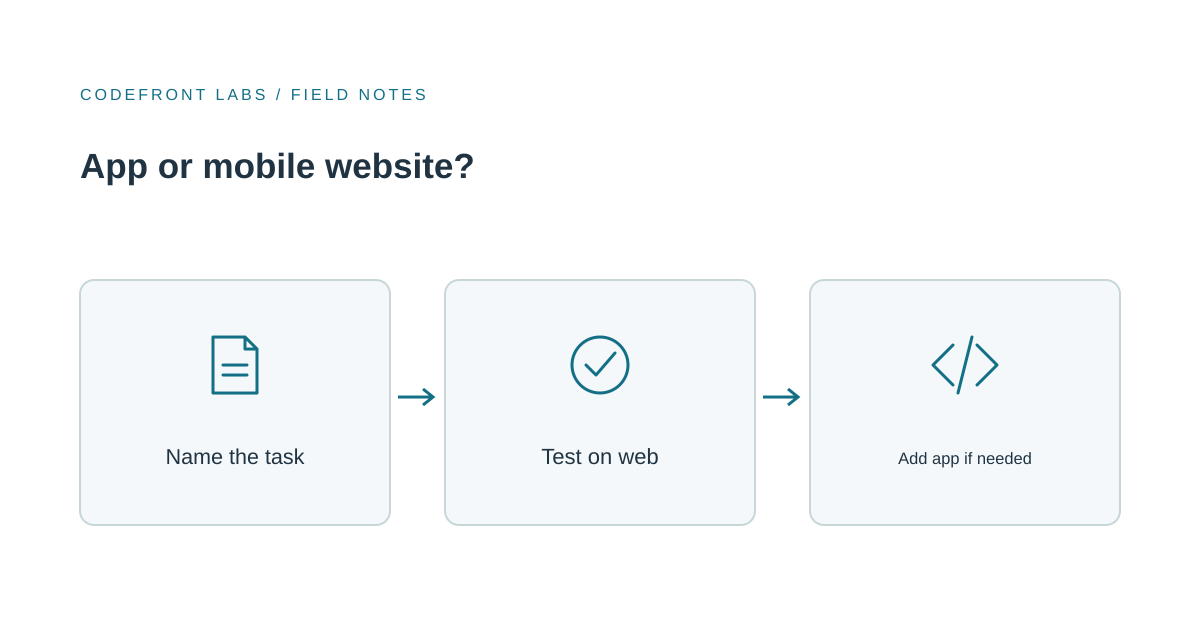
Custom work makes sense when your job types need workflows configuration can't express, or when the app has to work deeply with systems you already run. But be honest about what you'd own afterward: the sync behavior, the conflict rules, and the quirks of storing data on devices. Agree who will maintain it over time, whether that's your team or a development partner. Include that support when comparing it with a configured product. If you build, budget for years of ownership, not just a first release. Our piece on mapping custom software work before building is a good way to pin down the handoffs first.
Test in the places your crews actually lose signal
Whatever you choose, don't test only at a desk with Wi-Fi toggled off. Script your real situations: the mechanical room, the rural stretch with dead zones, the phone switched to airplane mode mid-job. Include a deliberate duplicate by completing a step, losing connection before confirmation, and reconnecting. The office should see one completion.
Then pilot with one crew and set your own baseline first. Count missing completion records, callbacks to technicians, and days from site visit to closed job, before and after. You don't need industry averages. You need to know whether your office stopped guessing.
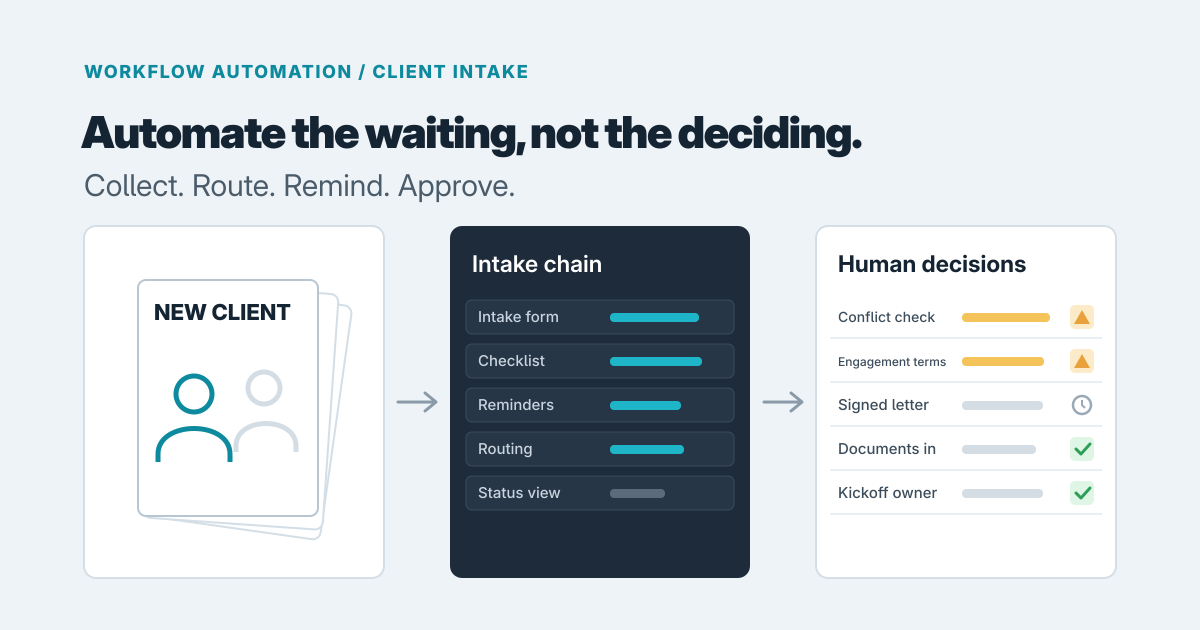
If you're weighing a configured product against something custom, tell us about your job types, your current paper or app workflow, and where dispatch has to call for status. We can help you work out whether a product fits, or whether workflow automation around the tools you already have would close the gap.
Prepared with AI-assisted research and writing, with automated editorial checks before publication.