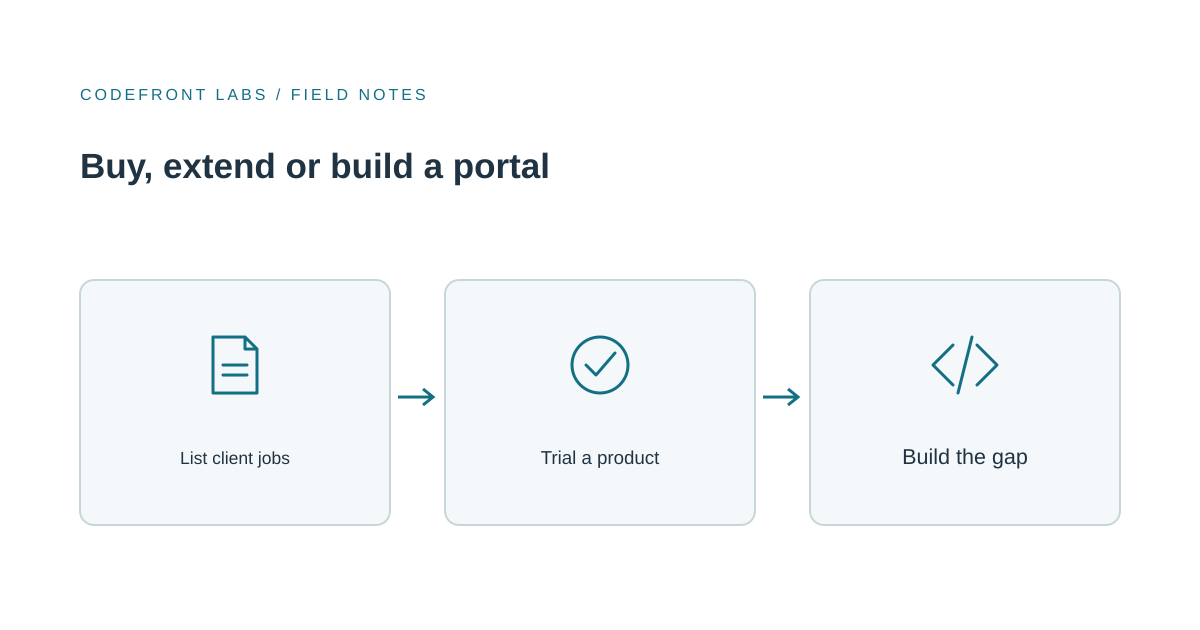
If clients keep emailing to ask where things stand, our advice is to try a ready-made portal first. Most service businesses don't need custom software to give clients a login, a document list and a status view. A few do, and they usually find out for specific reasons: several people per client company, approvals that need a real record, or a billing system the product can't connect to.
So the useful question isn't "buy or build?" It's "which of our requirements would a product fail?" Answer that and the decision mostly makes itself.
Start with the jobs, not the feature lists
Before you open a single product page, write down what clients actually do with you. Keep it plain: see what's in progress, upload documents, download finished work, approve something, pay an invoice, ask a question. Then add what your staff need in return: knowing who has seen what, who approved it and when, and which client is waiting on whom.
Mark each job as essential or nice to have. Vendor feature lists are long and flattering, and without your own list you'll be comparing their strengths rather than your needs. This is the same mapping work we describe in Before You Build Custom Software, Map the Work First, and it pays off whichever route you take.
Three options, and what each is built around
A dedicated portal product. These give clients a branded login to projects, files, messages and often invoices. SuiteDash, for example, describes a portal with a secure login to projects, invoices, files, messages and documents, connected to its own CRM and billing, with role-based access. It also claims white-labeling on every plan, covering custom domain, logo and colors. The catch is that all-in-one platforms tend to assume you'll use their billing and CRM too. Those integration claims describe the vendor's own invoicing. How well a product connects to an outside accounting system is something you'll need to test.
A portal inside a tool you already pay for. HubSpot's customer portal page describes a portal connected to its CRM and knowledge base, with access managed by assigning users to groups. A third-party write-up from a competing vendor characterizes it as a ticket portal, where customers view and reply to support tickets linked to their contact record, rather than a general file-sharing space. Zoho CRM's portals use user types with permissions to enable or restrict access to CRM data. If your client work looks like tickets or CRM records, this can be the cheapest path. If it looks like projects with deliverables, test the fit carefully.
A custom portal. You get exactly the roles, screens and approvals you define, connected to your own systems. You also own the maintenance: hosting, security updates, support and every change request. It's worth it when the portal is part of how you deliver your service, not just a place to park files. For what that scope looks like, see what to build first in a professional-services portal.
One more option sits between these: a low-code platform, where you configure a portal rather than code it. It's worth a look only if a product fits most of your jobs but one unusual requirement keeps failing, and a full build feels like too much. Otherwise, stay with the three above.
Questions to test in a trial
Vendor pages rarely answer these, so use your real examples rather than demo data.
- Several contacts per client company. A bookkeeper deals with an owner, a spouse and an office manager. Can they all log in, see the same company's files, and nobody else's? Some portals are organized around individual contact records, so test company-level grouping directly. Our piece on designing permissions and account boundaries explains why this matters.
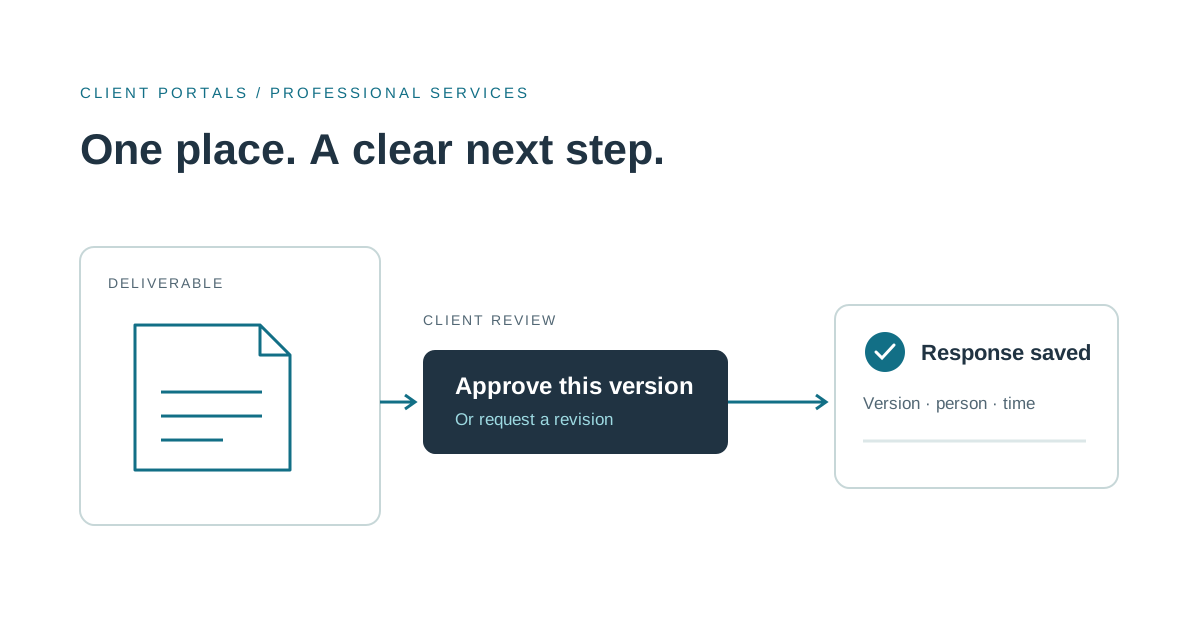
- Approvals on record. If a client signs off on a deliverable, can you later show who approved what version, and when? Try it with one of your actual approvals.
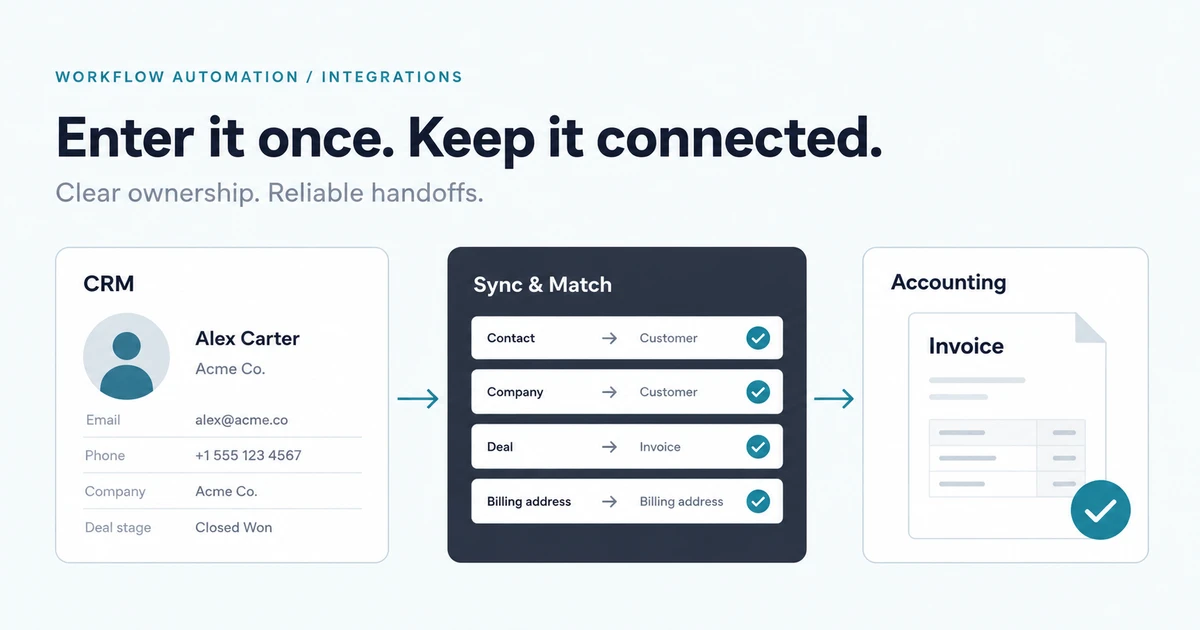
- Your billing system. If invoices live in your own accounting software, check whether the portal can show them without someone retyping data. The ownership questions in CRM and accounting integration apply here too.
- Branding. Products differ on white-label and custom-domain support, and one comparison of nine portal products looks at exactly that. Check which plan removes the vendor's name and lets you use your own domain.
Plans, pricing and feature sets change often, so confirm the current details for any product before you commit.
Weighing the money without made-up numbers
The market is wide. That same comparison reports published entry prices ranging from $19 a month to $5,000 a year, which tells you "client portal software" covers very different kinds of product. What matters is how pricing scales with you: flat per account, or per portal user. Multiply by your realistic client count.
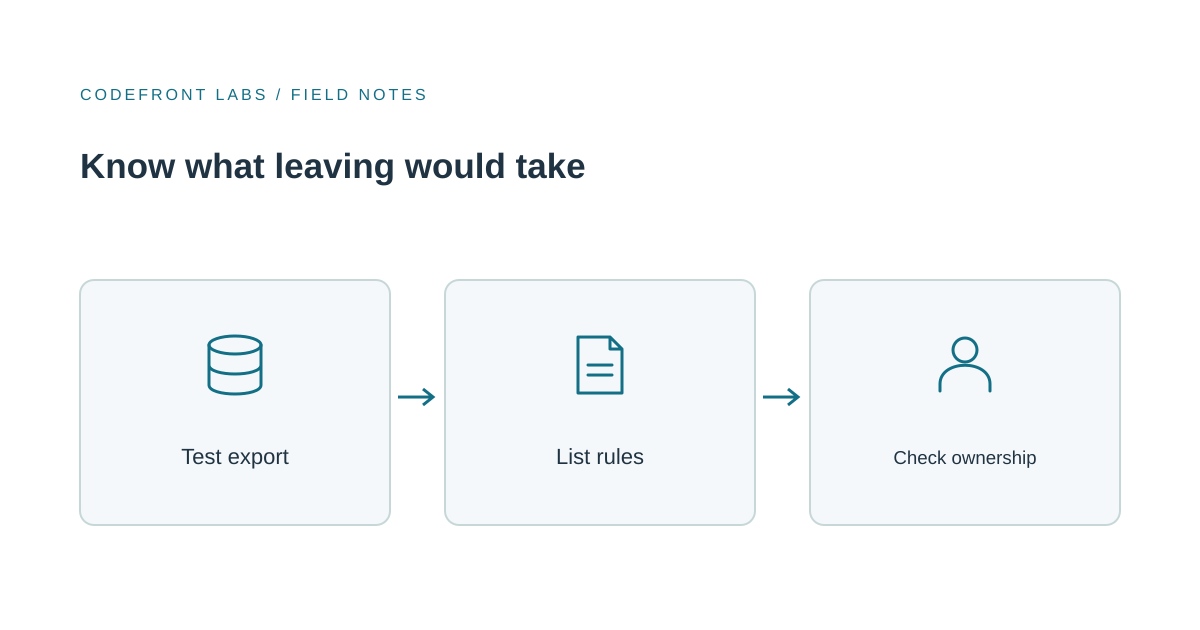
Custom cost is driven by the number of roles, how many systems you connect, how many approvals need a record, and whether data must be migrated. Then add the ongoing cost of someone looking after it. For a product, add the staff time spent working around its gaps, and the cost of leaving, which is the part people skip. Ask what you could export, in what format, and whether client logins and document history come along. Our guide to planning a software vendor exit covers that test.
Example: a bookkeeping firm
Say the firm has a few hundred clients. Each month it requests documents, returns reports, and asks clients to approve filings. Clients are usually a business owner plus one other person. The firm bills through its existing accounting software.
Our recommendation: trial a dedicated portal product first. Document exchange, branded login and status are the core of what those products offer. Run two tests: shared access for two people per client, and whether invoice information can appear without retyping.
If both pass, buy the product and stop there. If shared access fails, move on to another product, because that's a basic requirement. If only the invoice connection fails, keep the product and build a small custom piece that pulls invoice status from the accounting software into the client's view, or links out to it. That costs far less than a full portal, and the product still handles documents, logins and status. Go fully custom only if approvals must be reconstructed later and no product can show that record.
A CRM portal is worth a trial only if the firm already runs its client work in the CRM, and the same tests apply.
Signs you've outgrown the product
You're probably there when staff keep a side spreadsheet to track what the portal can't, when you pay for workarounds that cost more than they save, when approvals you must defend can't be reconstructed, or when clients ask for things the product refuses to do. The answer is often a smaller custom build around the product, not a replacement. Our piece on modernizing a workflow gradually describes that approach.
Questions to bring to a studio or vendor
- Which of my listed jobs does this handle out of the box, and which need configuration or code?
- How do multiple contacts per company work?
- What does the approval record contain, and can I export it?
- Who is the source of truth for invoices, and how does data move?
- What do I own if we part ways, and in what format?
- What does ongoing maintenance involve, and who does it?
Proposals that answer these in the same terms are comparable. Ones that don't are guesses.
If you're unsure whether a product will hold up, we can help you test your requirements before you commit to either path. Take a look at our client portals and internal tools work, or get in touch with your list of client jobs.
Prepared with AI-assisted research and writing, with automated editorial checks before publication.