
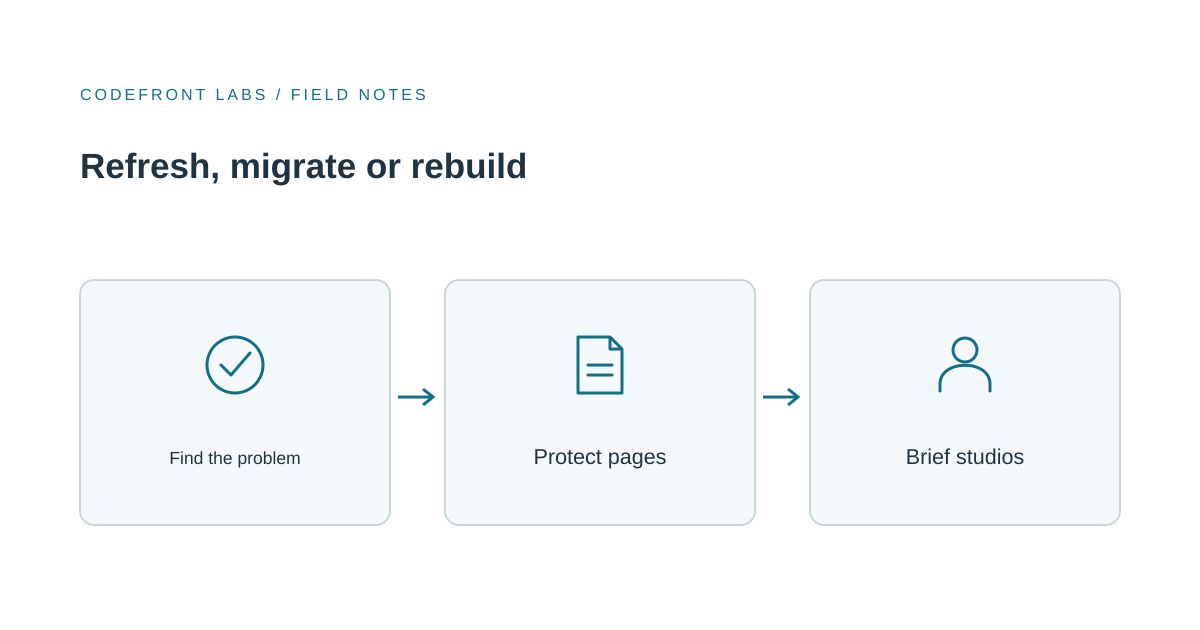
Most aging business websites need a refresh or a restructure less often than owners fear. They also need a full rebuild less often than agencies sometimes suggest. The useful question isn't "does the site look old?" It's "what is actually broken?" The answer points to one of three paths, and they differ a lot in cost, risk and what they leave untouched.
Three paths, and what each one fixes
A redesign on your current platform changes how the site looks and how pages are laid out, while the underlying system stays. It fixes dated visuals, unclear messaging and weak calls to action. It does nothing for a site that's slow because of how it's built, or one that's painful to edit.
A platform migration moves your content to a different content management system (CMS, the tool your team uses to edit pages). It fixes editing friction: if every text change needs a developer, the platform or its setup is the problem, not the design. A migration can keep the design nearly identical or pair with a redesign.
A true rebuild replaces the structure, the code and usually the page templates. It's justified when the problems run through the foundations: a site architecture that doesn't match how customers look for you, pages that are slow on phones because of how they're assembled, or custom features the current platform can't support.
For example, say a regional accounting firm has a 60-page site. The partners say the site looks dated, so they plan a rebuild. But when they look closer, the real complaints are that services are buried under four menu levels and that updating a staff bio means emailing a freelancer. That's a restructure plus a platform move, not a ground-up rebuild, and the visual design could be refreshed within it.
Match the symptom to the path
- Every edit needs a developer. Look at a platform move, or at a better editing setup on your current one. Design work won't help.
- Pages feel slow on phones. Measure before you pay for anything. Search Console includes a Core Web Vitals report built from real visitor data, which is a free way to see whether mobile speed is a genuine problem. Google's published targets for a good experience include an Interaction to Next Paint of 200 milliseconds or less and a layout shift score of 0.1 or less, measured at the 75th percentile of visits. If only a few page groups fail, fix those. If everything fails, the foundations may need replacing.
- Visitors can't find things or don't know what to do next. That's structure and content, which can be fixed on almost any platform. Our piece on why a website gets visitors but few inquiries walks through separating offer, next step and phone experience problems.
- The site looks old but works fine. A redesign on the current platform may be all you need.
- You need features the platform can't handle, such as a customer login or complex calculators. That's where a rebuild, or a separate custom tool, earns its keep.
More than one can be true. The point is to name the real problem before requesting quotes, because a quote for "a new website" will quietly assume whichever path the vendor prefers.
What to protect, whichever path you choose
The riskiest part of any replacement isn't the design. It's losing what the old site already does for you.
Your URLs. Google lists changes to URL paths, such as an old page.php?id=1 becoming /widget, as a kind of site move. It recommends permanent server-side redirects from old addresses to their new equivalents, advises against sending many old pages to one unrelated destination like the home page, and says redirects should be tested. Google's redirect guidance explains the same idea. In practice: before launch, export your list of current pages, mark the ones that bring in visitors or inquiries, and map each to its new home. Ask any studio how they handle this.
Your best pages. Find the handful that bring in most inquiries and keep their content and intent intact. A redesign that rewrites your top service page from scratch is a gamble with no upside you can point to.
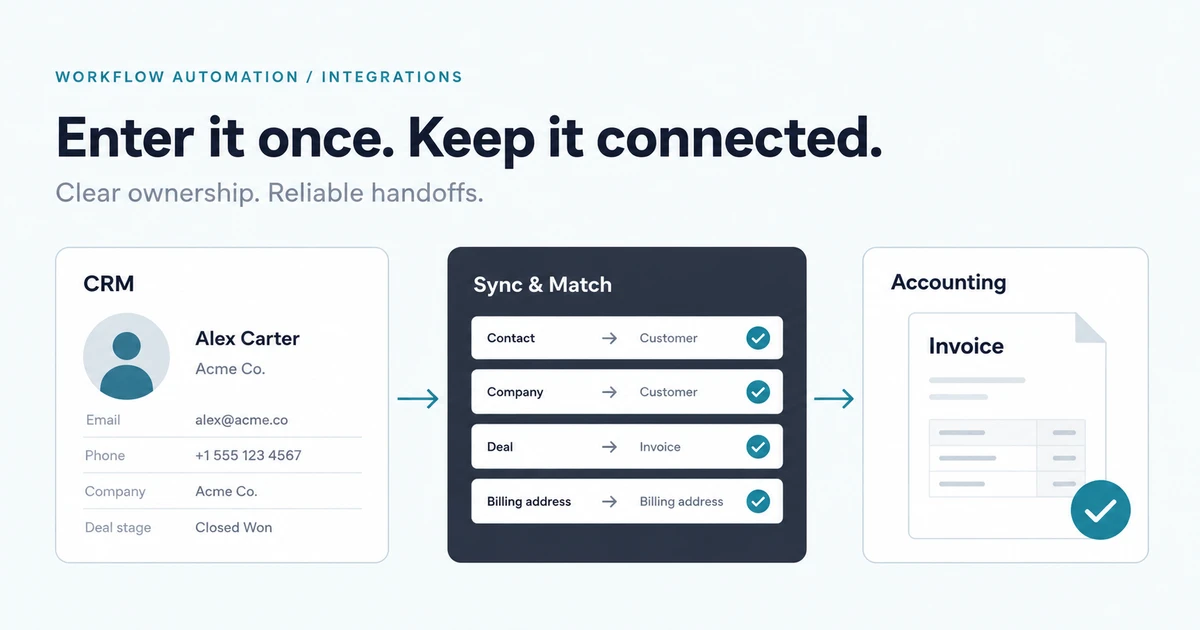
Your forms and tools. Contact forms, booking widgets, CRM connections, analytics and email sign-ups often break quietly in a migration. List every one and test each after launch with a real submission. If your forms feed other systems, our article on connecting a CRM and accounting system shows why ownership of the data matters.
No one can promise a replacement will improve your search visibility. Careful redirect mapping and checking protect what you have; gains depend on content, competition and ongoing work.
What drives cost and timeline
We won't quote figures here, because they vary too much by scope. These are the factors that move them most:
- Page count and variety. Sixty similar pages are cheaper than twenty pages that each need a unique layout.
- Content readiness. The most common cause of delay is waiting on text and photos. If copy isn't written, the project stalls at the end.
- Integrations. Each connected tool (CRM, scheduling, payments) adds build and testing work.
- Custom features. Calculators, member areas and search add real engineering.
- Approval cycles. Two people approving is quick; five stakeholders with separate opinions can double the calendar time.
- Migration volume. Hundreds of old pages that need review, redirecting or retiring take time even when nothing is being redesigned.
When a template or site builder is the sensible choice
If you have a small number of pages, a standard contact form and no unusual features, a good template on a mainstream site builder is often the right answer. It's cheaper, quicker and easy to maintain. Choose it if your site mainly explains what you do and invites a call.
Custom development earns its keep when your site has to do something templates can't: a unique structure, connections to your internal systems, strict performance needs, a content workflow with several editors, or a migration of a large existing site where URL handling needs real care. If you're unsure which side you're on, a short software consulting engagement can settle the question before you commit budget.
How to brief a studio so quotes compare
Send each studio the same short brief:
- What's broken, in your words: slow on mobile, painful to edit, confusing structure, outdated look.
- Your current setup: platform, rough page count, and a list of forms and connected tools.
- Your top pages: the ones that bring in inquiries.
- Content status: what exists, what needs writing, and who owns it.
- Who approves, and how quickly they can respond.
- What you'd like quoted separately: migration, redesign, new features.
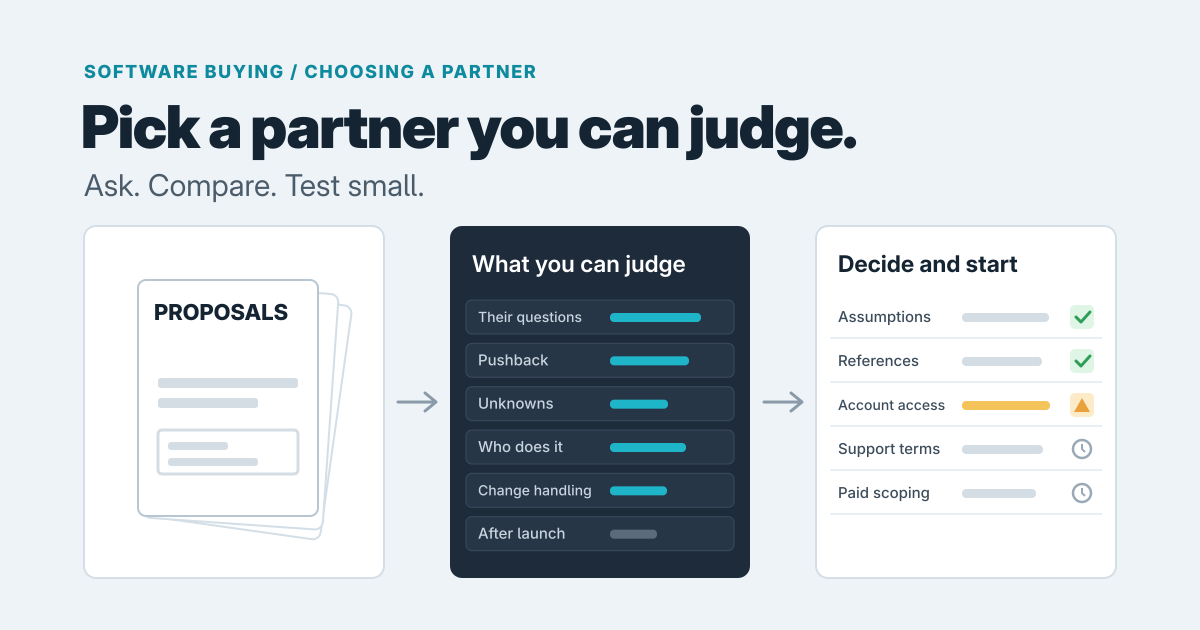
Ask each studio how they'll handle redirects and testing, and who can edit what after launch. Vague answers there matter more than a small price difference.
If you'd like a second opinion on which path fits, our website development service covers redesigns, migrations and rebuilds. You can also contact us with your current site and your list of complaints, and we'll tell you honestly whether you need a rebuild or something smaller.
Prepared with AI-assisted research and writing, with automated editorial checks before publication.