
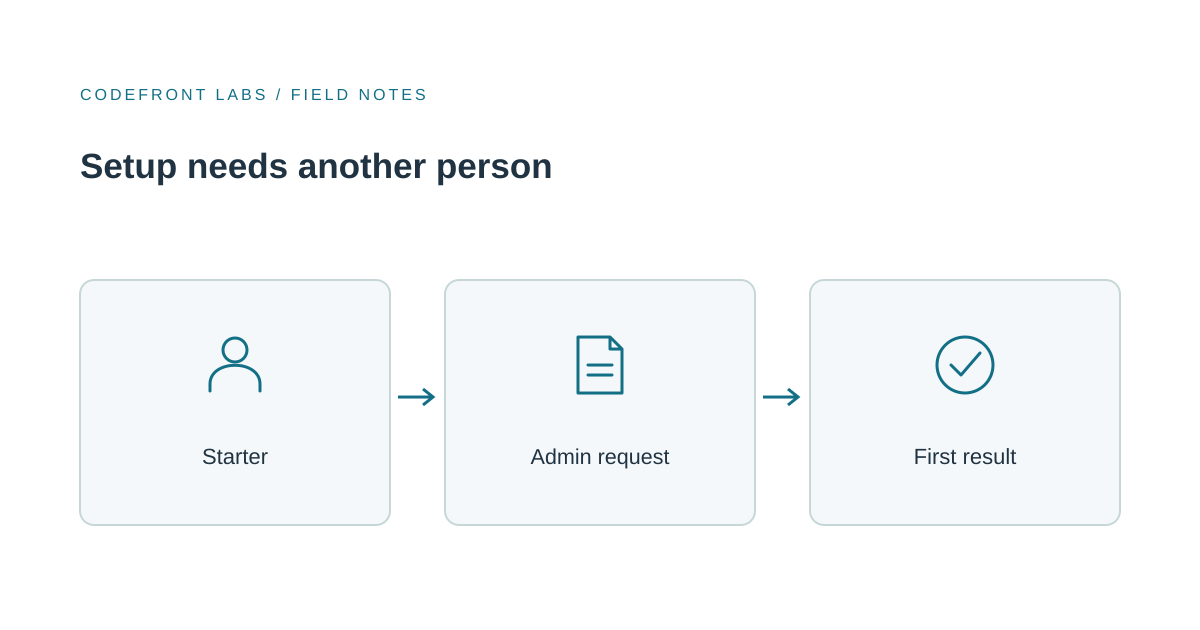
When signups look healthy but most new accounts stall at a step like "Connect your company login," analytics calls it drop-off. Something more specific is usually going on: the person who signed up doesn't have the authority to finish, and your product has no good answer for that.
My view is that this pause is a handoff you haven't designed yet, not a failed signup. The fix usually isn't removing the approval. It's making the wait understandable, useful and recoverable.
First, find out why someone else is needed
Not every "ask your admin" step is real. Some are genuine access boundaries: a company shouldn't let any employee connect its login system or share company data without sign-off. Others are accidents of sequencing, where you ask for something the new user could have supplied, or you put the hard step first when it could come later.
The quickest way to tell is to talk to both people involved: the person who started setup and the administrator who has to finish it. Ask the starter what they expected to happen next. Ask the administrator what they actually need to review and what keeps them from responding. You'll often find the blocker isn't authority at all. It's an email that says nothing about what's being requested, or a request that lands with the wrong person.
If the approval is real, keep it. Shortening onboarding isn't worth weakening a boundary your customers rely on. Put your effort into what the starter can do while they wait.
Three ways to handle the wait
There are really three options, and they suit different situations.
Let them keep going without the blocked step. If the starter can reach something genuinely useful, like exploring a sample project or preparing their team's information, deferring the approval works well. It fails if the half-finished account feels broken or has no value on its own. Be plain about what works now and what doesn't yet.
When we built QueueMind, our support triage product, we gave each visitor an isolated workspace with synthetic tickets and simulated delivery, so people can try the real workflow without touching anyone's live data. The same idea helps a starter waiting on an approval: sample data they can safely explore turns the wait into time spent learning the product.
Give the administrator a clear request. If a known person on the customer's side owns the approval, send them something they can act on in a minute: who's asking, what for, and what happens after they say yes. The tradeoff is that progress now depends on someone else's attention, so you need to plan for silence.
Handle it with your own team. When setup varies a lot between customers or is sensitive enough that you'd rather guide it, staff-assisted setup is a fair choice. It adds coordination work for you, so decide who owns each request and how the customer knows it's done.
Sometimes the honest answer is none of these. If most customers reach their first result today and only a few hit the wall, a new collaboration feature may add more complexity than it removes.
Don't assume the tools will cover it
It's tempting to lean on the identity system your customer already uses. Some do help. Microsoft Entra, for instance, has an admin-consent workflow where users can request approval, designated reviewers get an email, and the user is notified of the action. That's useful, but it's one system's behavior, not a rule of the industry. Check what your customers' tools actually tell a waiting user before you count on them to explain the delay.
The practical lesson is to own the experience on your side. The starter should see a clear pending state and know who was asked. Where the account's permission rules allow it, let them resend or correct the recipient; either way, give them a clear way to return or ask for help.
Plan for the ways it goes wrong
The happy path is the easy part. The real design work is what happens when the administrator never answers, the wrong person gets the request, the approval is denied, or the person who started setup leaves the company. Each needs a next step that doesn't end in a dead account and a confused support email.
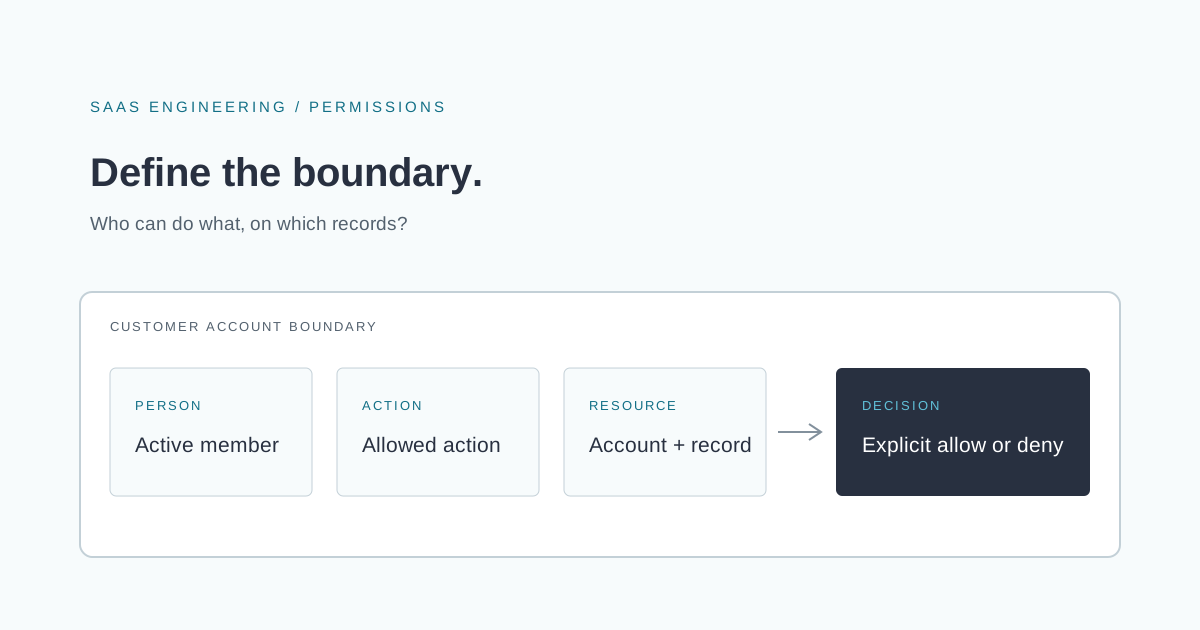
This connects closely to how you define who can do what in the product. If you haven't thought that through yet, Design SaaS Permissions Before Your First Enterprise Customer covers the groundwork.
When you test, count the outcome that matters. A request sent isn't a customer onboarded. Track whether the administrator responded, whether the starter came back, and whether they reached the first result your product promises.
When custom work earns its place
Try the simple things first: clearer wording, a better order of steps, a configurable onboarding tool or a human-run process your team can sustain. Those solve a lot.
Custom development makes sense when your product has its own rules about account ownership, approval states or recovery that configuration can't express. Then the handoff is part of the product, and it deserves to be built like one. Just count the ongoing cost of watching for stuck requests, not only the build.
If you suspect your setup flow is losing people at a handoff, tell us where it stalls and who has to step in. If it turns out to need product-specific work, our SaaS product development service is where we'd help you scope it.
Prepared with AI-assisted research and writing, with automated editorial checks before publication.